Microsiri

Department wise Dashboards

Our system features department-specific dashboards, with the flexibility to assign multiple dashboards to a single user. Within the dashboard, relevant menus and cards can be assigned to match specific user roles. Access is managed at a granular level, allowing for read and write permissions on specific menus. These cards provide real-time tracking of a user’s pending tasks, such as Work Order Creations and Stage Inspections.


Our Dedicated Dashboards for each Department

Business Development Dashboard

Customer RFQ, Feasibility, Costing, Quotation, Tracks lead generation, Sales Order/Order ACK and Conversion rates to optimize sales and client acquisition efforts. Work Order Creation.

Process Engineering Dashboard

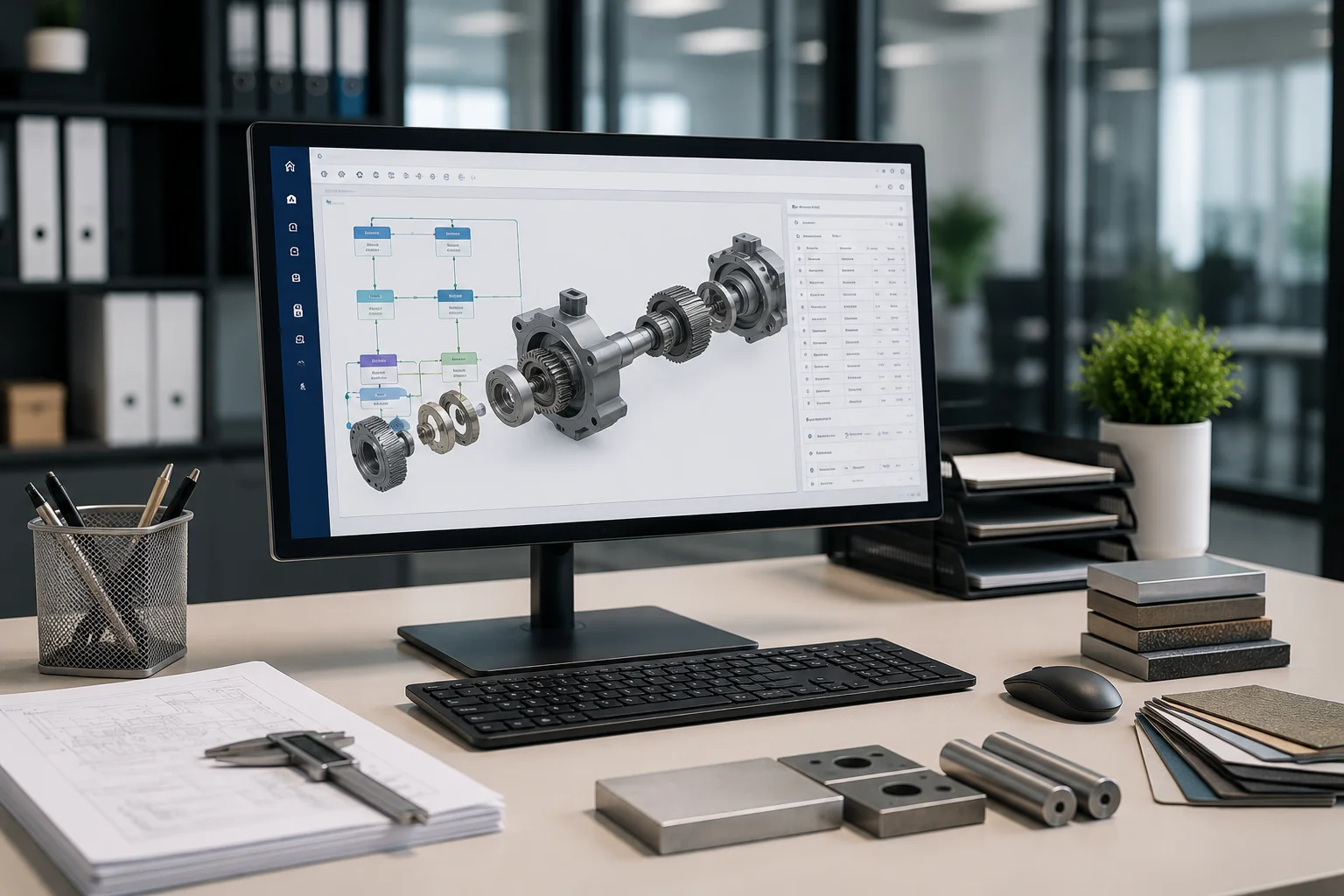
Raw Material Size, Routing/Process Flow, Operation Setup, Raw Material Grades, BOM creation and revision management.

New Product Development (NPD) Dashboard

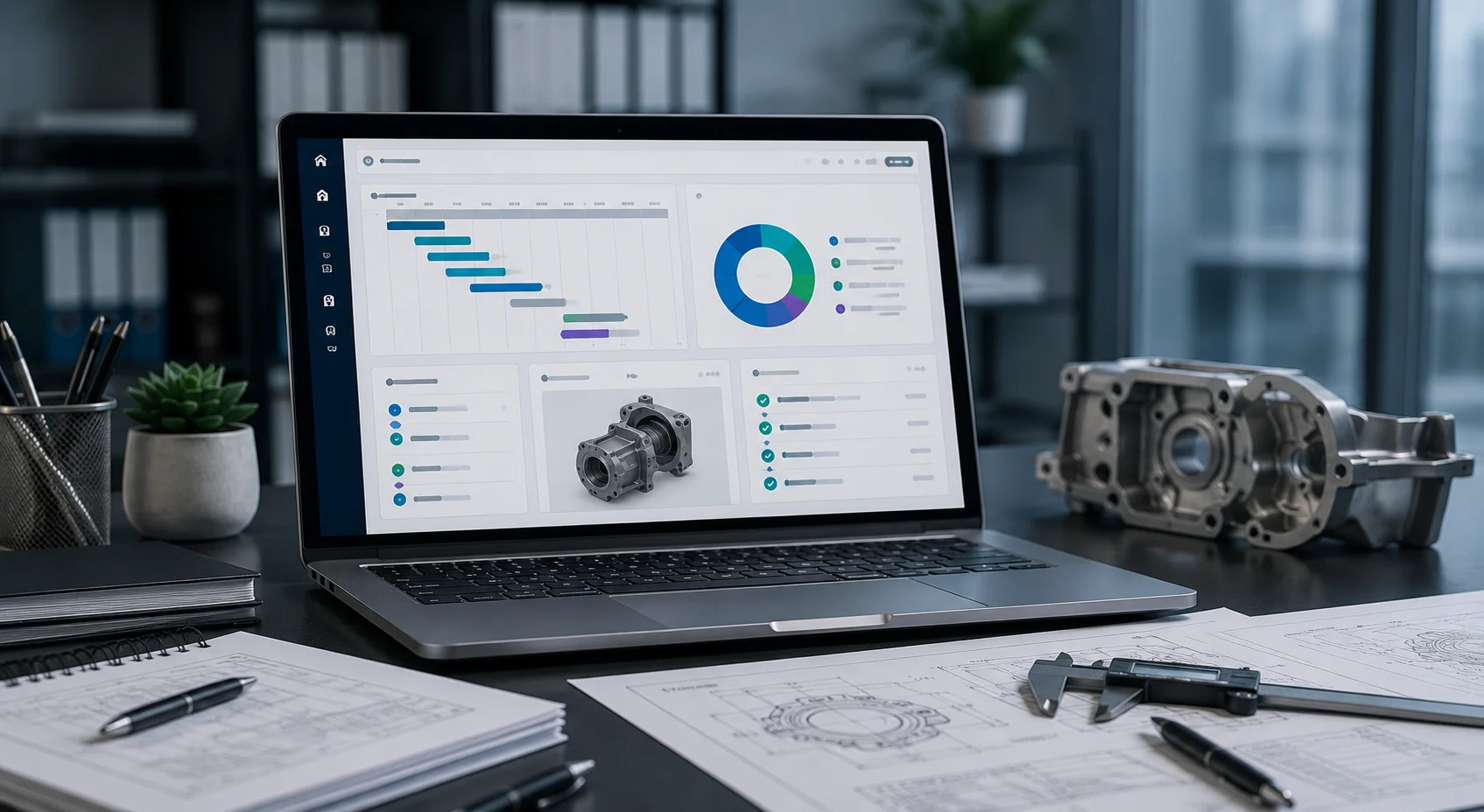
Visualizes product development milestones, timelines, and collaboration across R&D and production teams. Preparing Final Inspection Plan with GD&T

Methods Dashboard

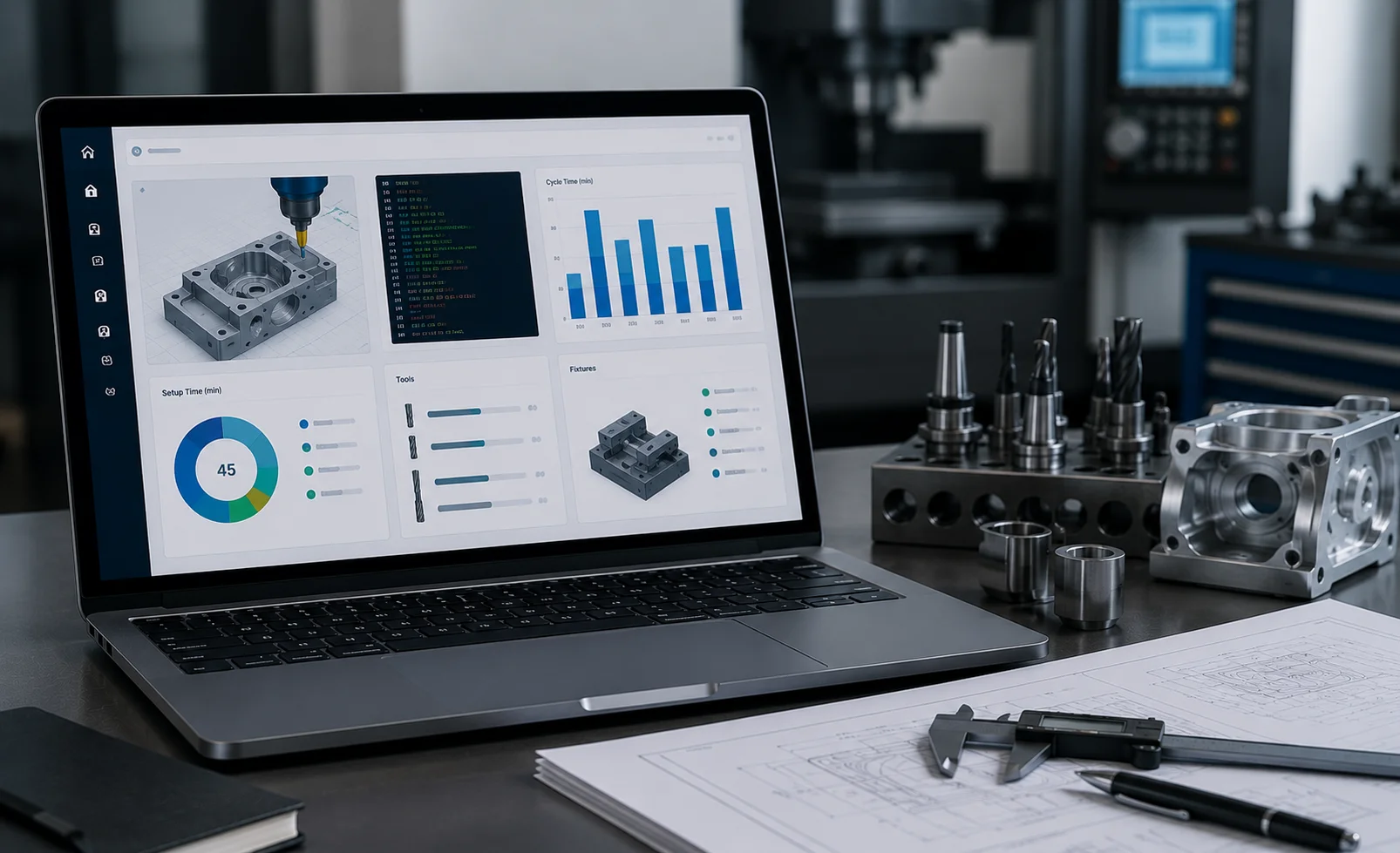
Key machining data like NC programs, setup time, cycle time, tools and fixtures required. It ensures streamlined and efficient manufacturing control.

Production Planning & Control (PPC) Dashboard

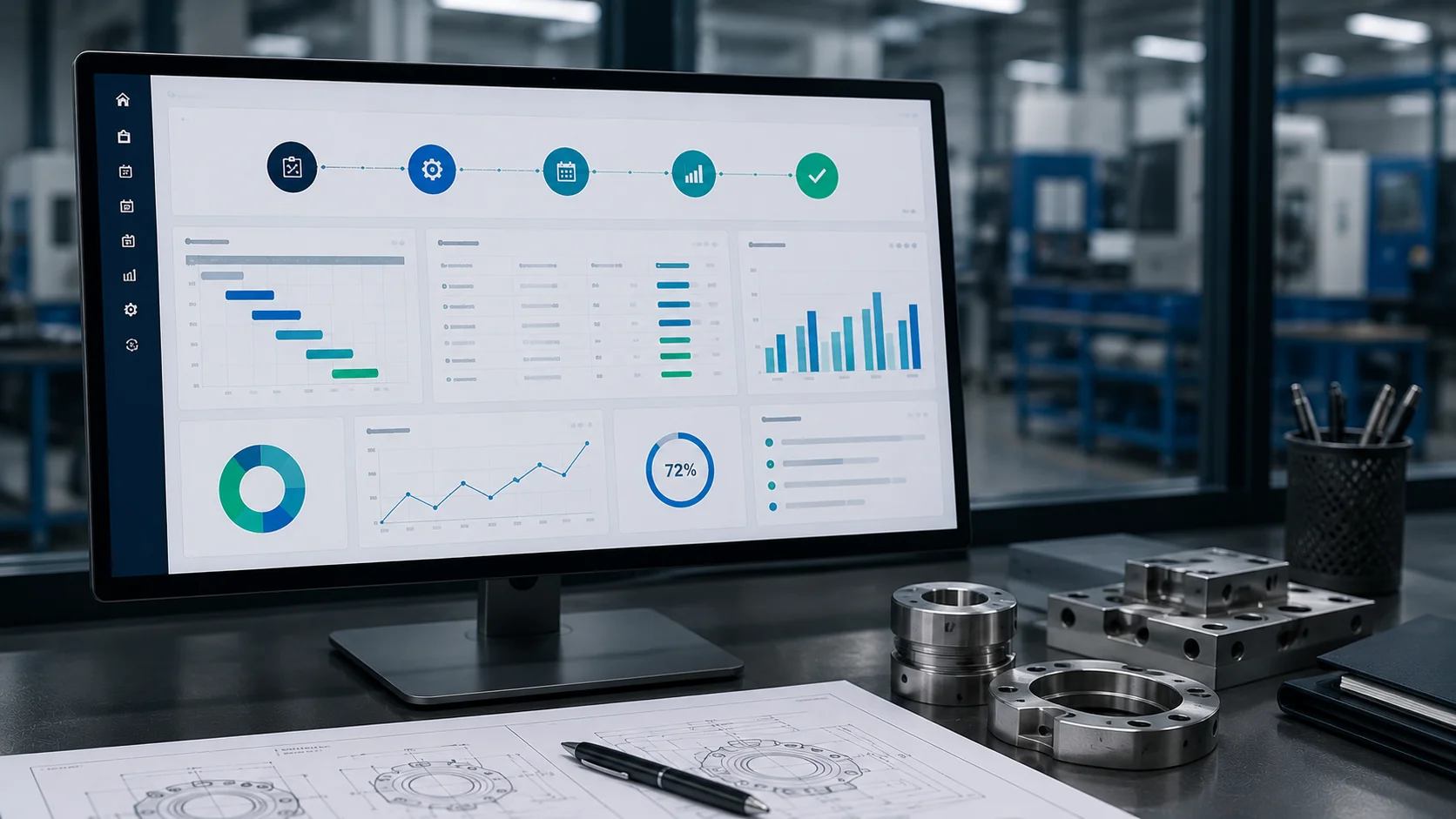
Presents key manufacturing data in a clean, horizontal layout. Includes sections for Strategic Planning, Machining Plan, Route Card Creation.

Purchase Dashboard

Tracks purchase orders(RM PO, JW PO, and other POs), vendor performance, and delivery timelines for strategic sourcing.

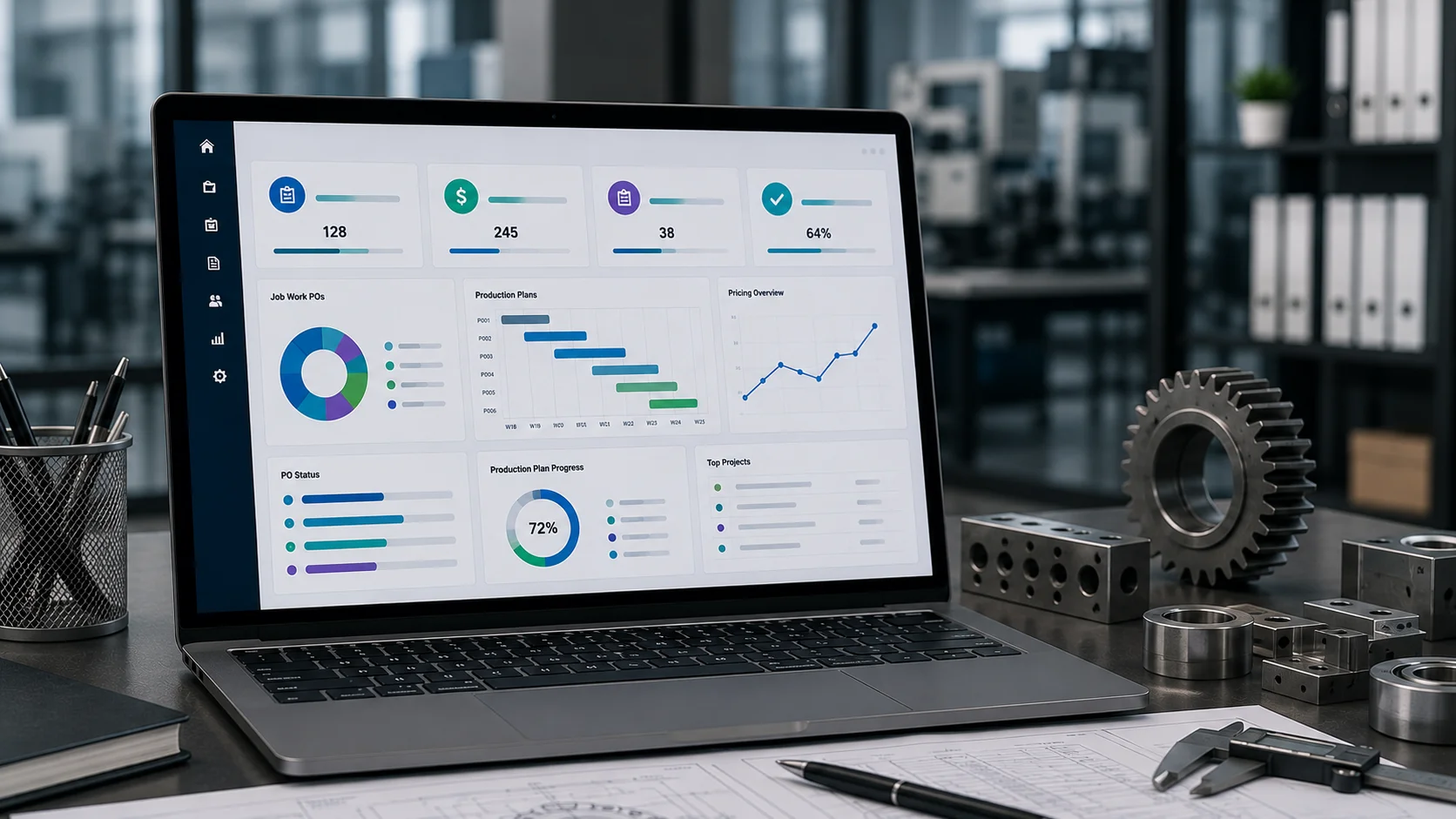
Project Management Dashboard

shows key metrics like Job Work POs, Pricing, and Production Plans. It aids quick decisions and smooth coordination.

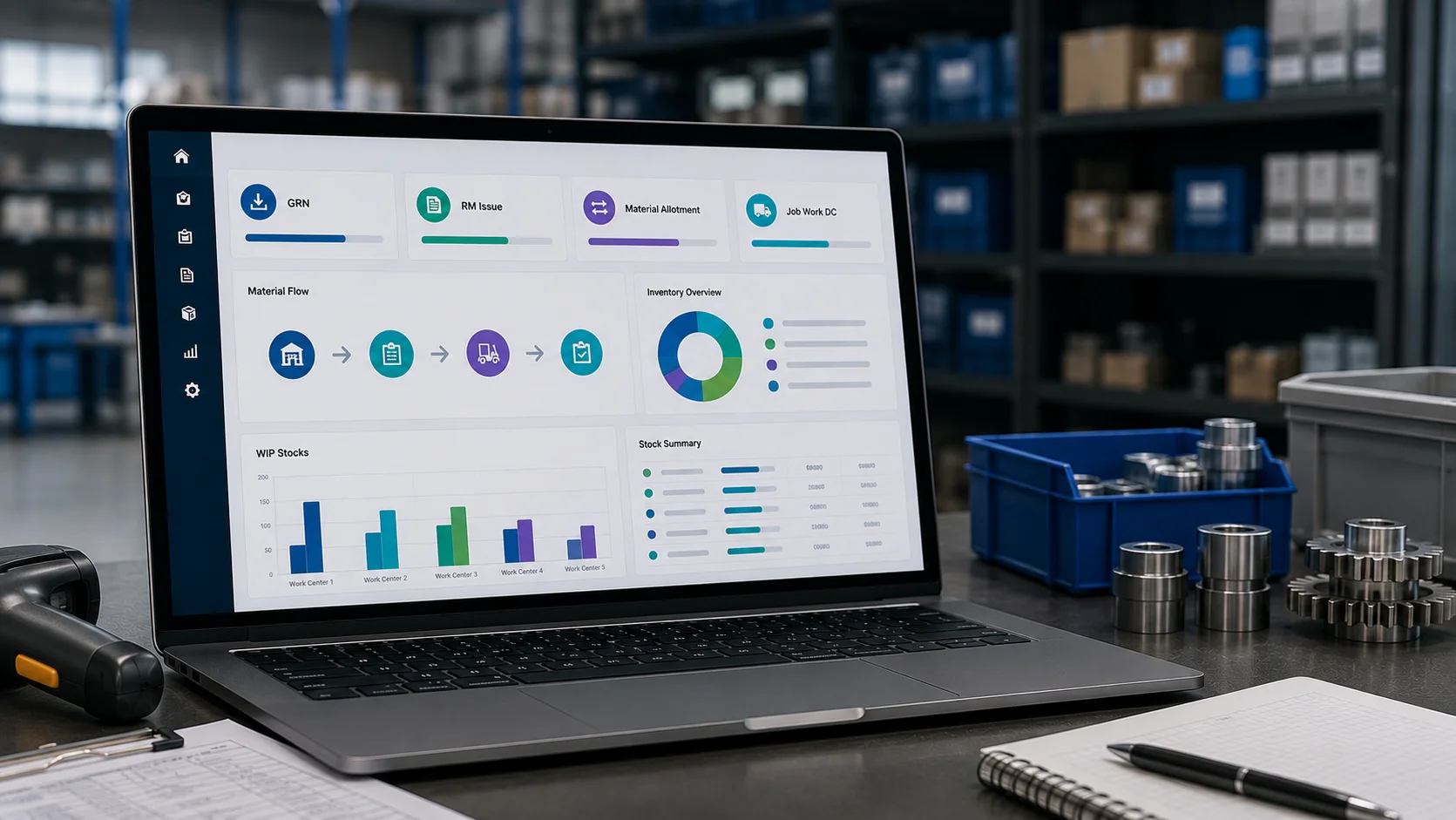
Store Dashboard

Highlights GRN, RM Issue, Material Allotment. It ensures smooth material flow and inventory tracking. Creating Job Work DC and maintaining WIP stocks.

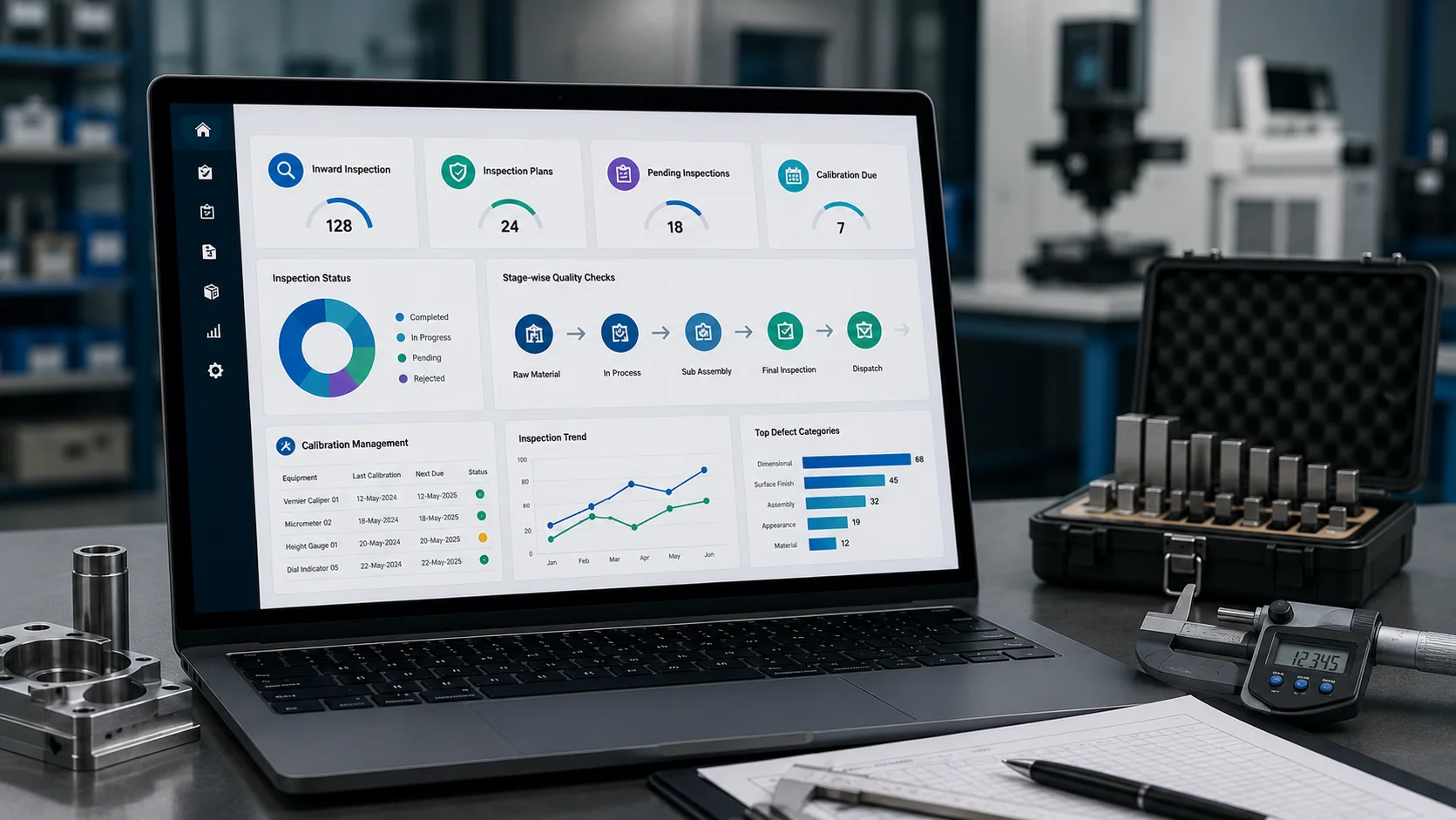
Quality Dashboard

Tracks Inward Inspection, and Inspection Plan setups. Ensures stage-wise quality checks and streamlined inspection workflows.

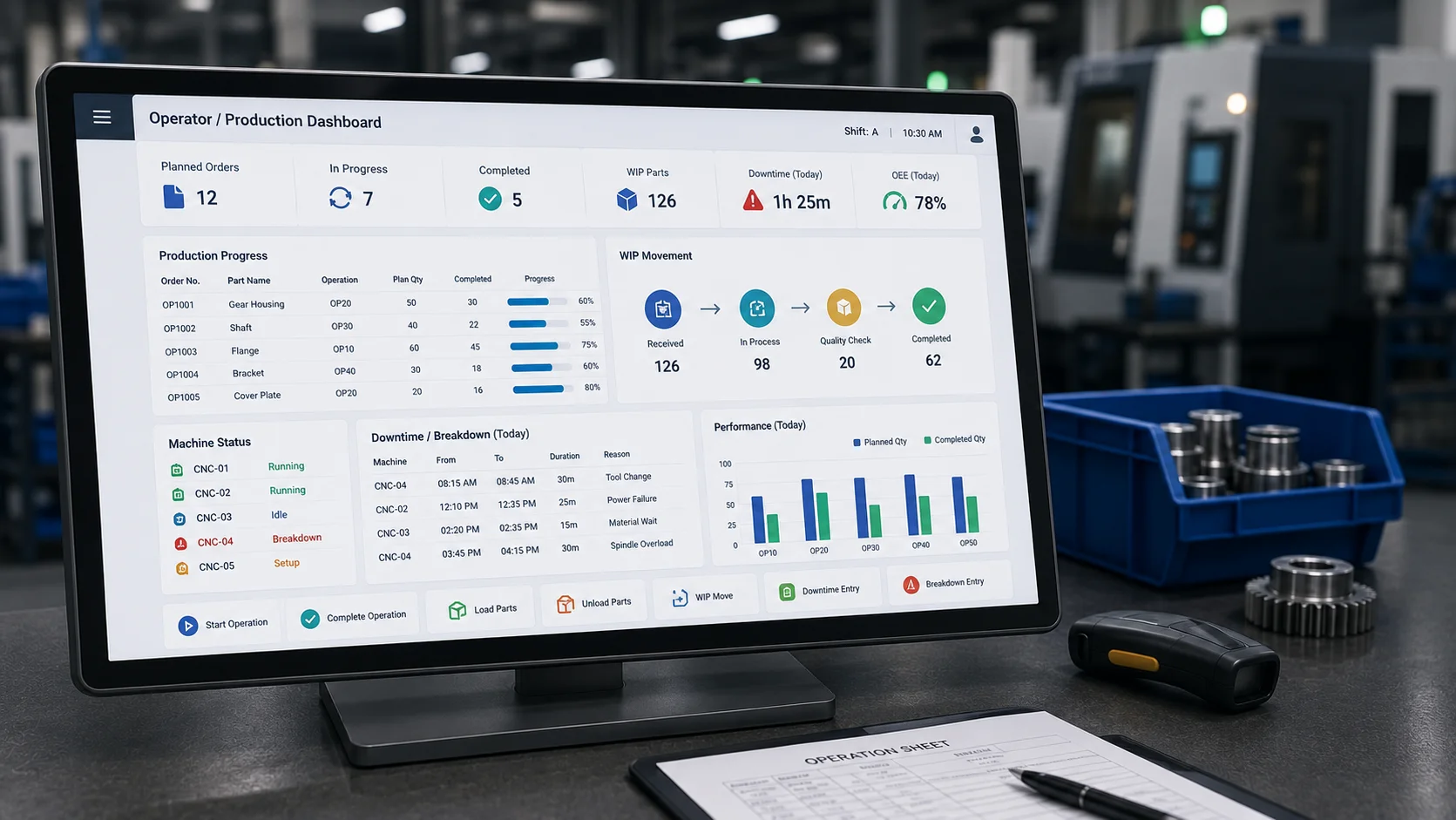
Operator/Production Dashboard

Machine Operations as per the plan, Loading/unloading parts, WIP Movement. Helps monitor shopfloor flow and improve operational efficiency. Downtime/breakdown entry.

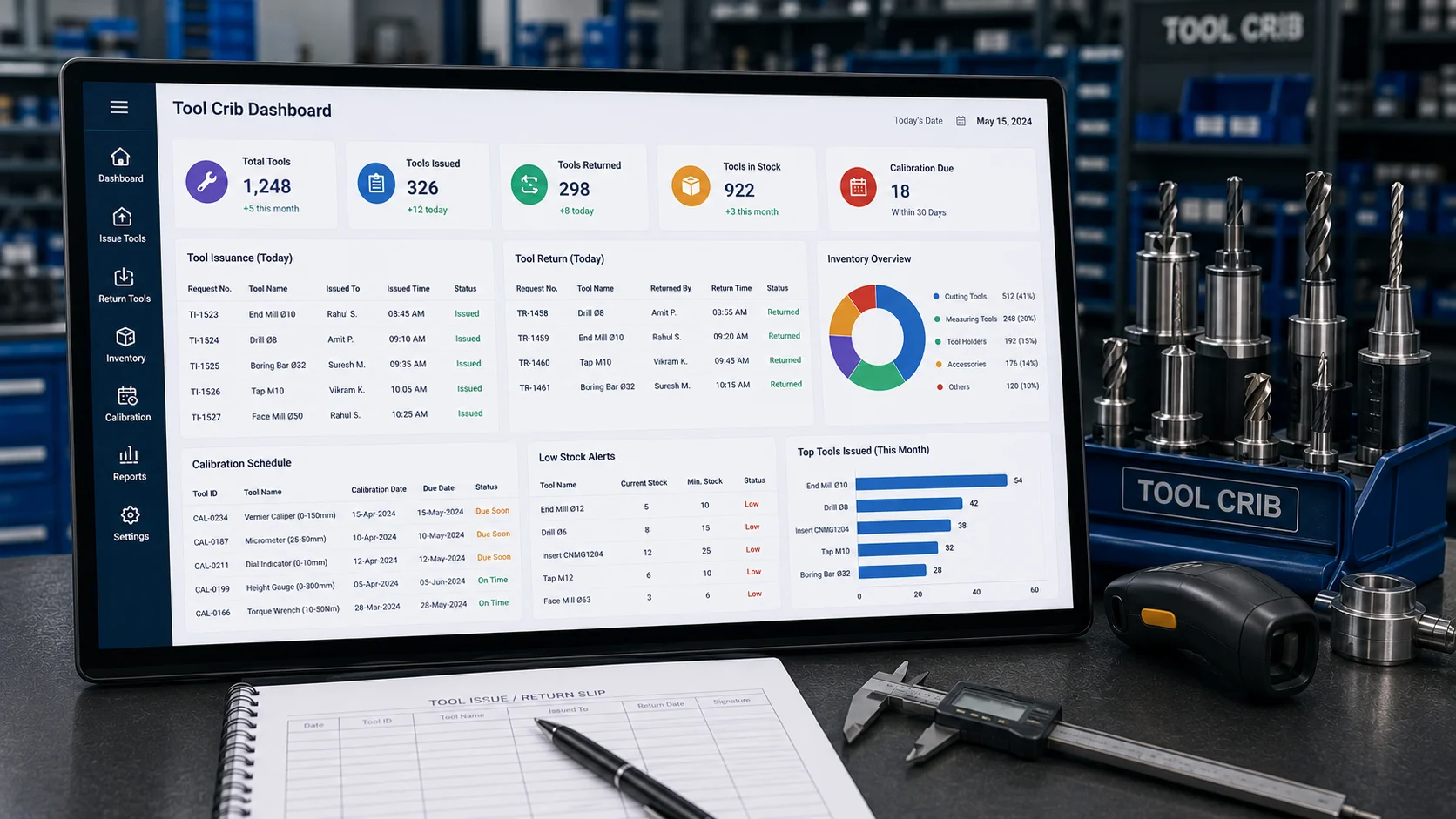
Tool Crib Dashboard

Manages tool issuance, return tracking, calibration schedules, and inventory levels.

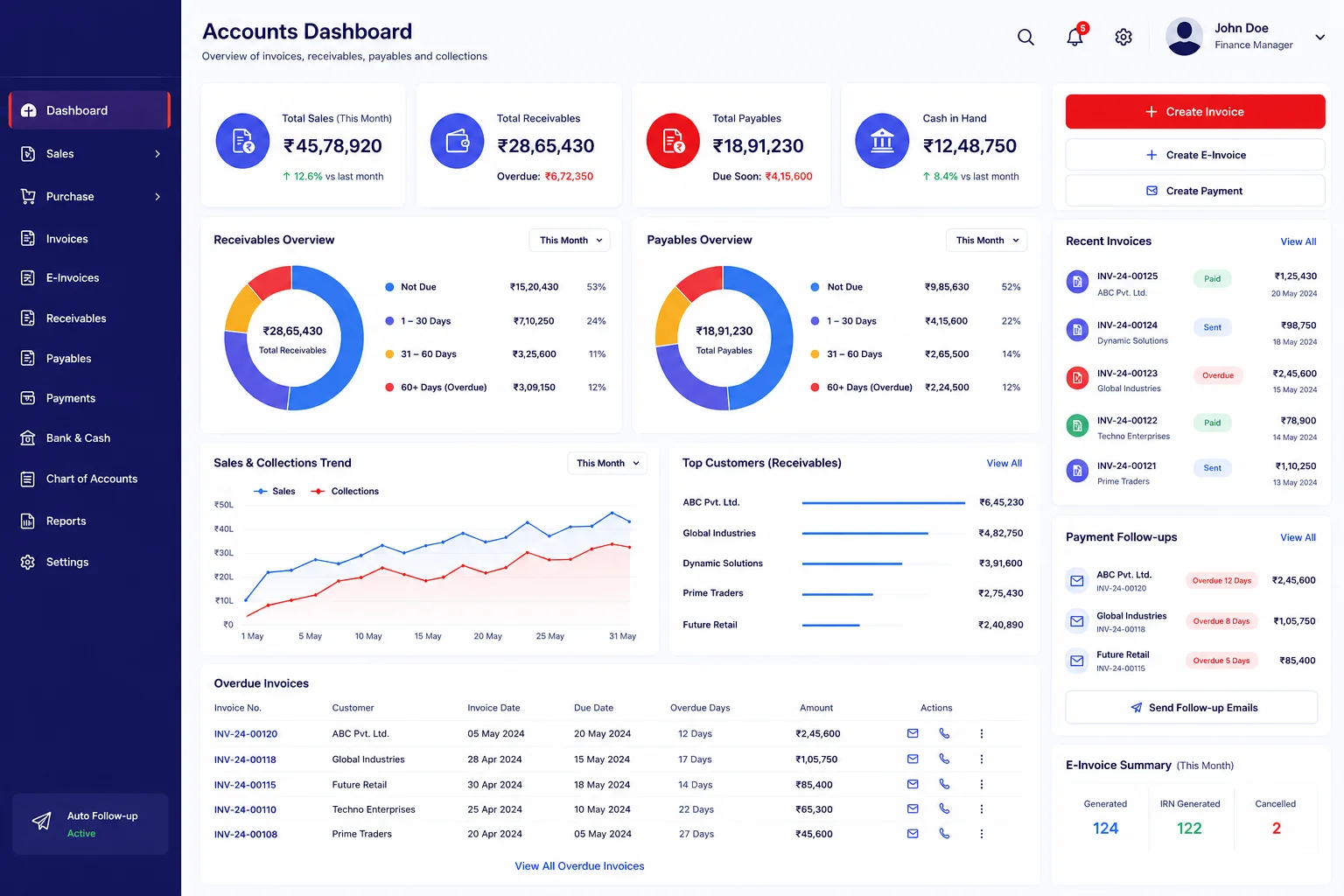
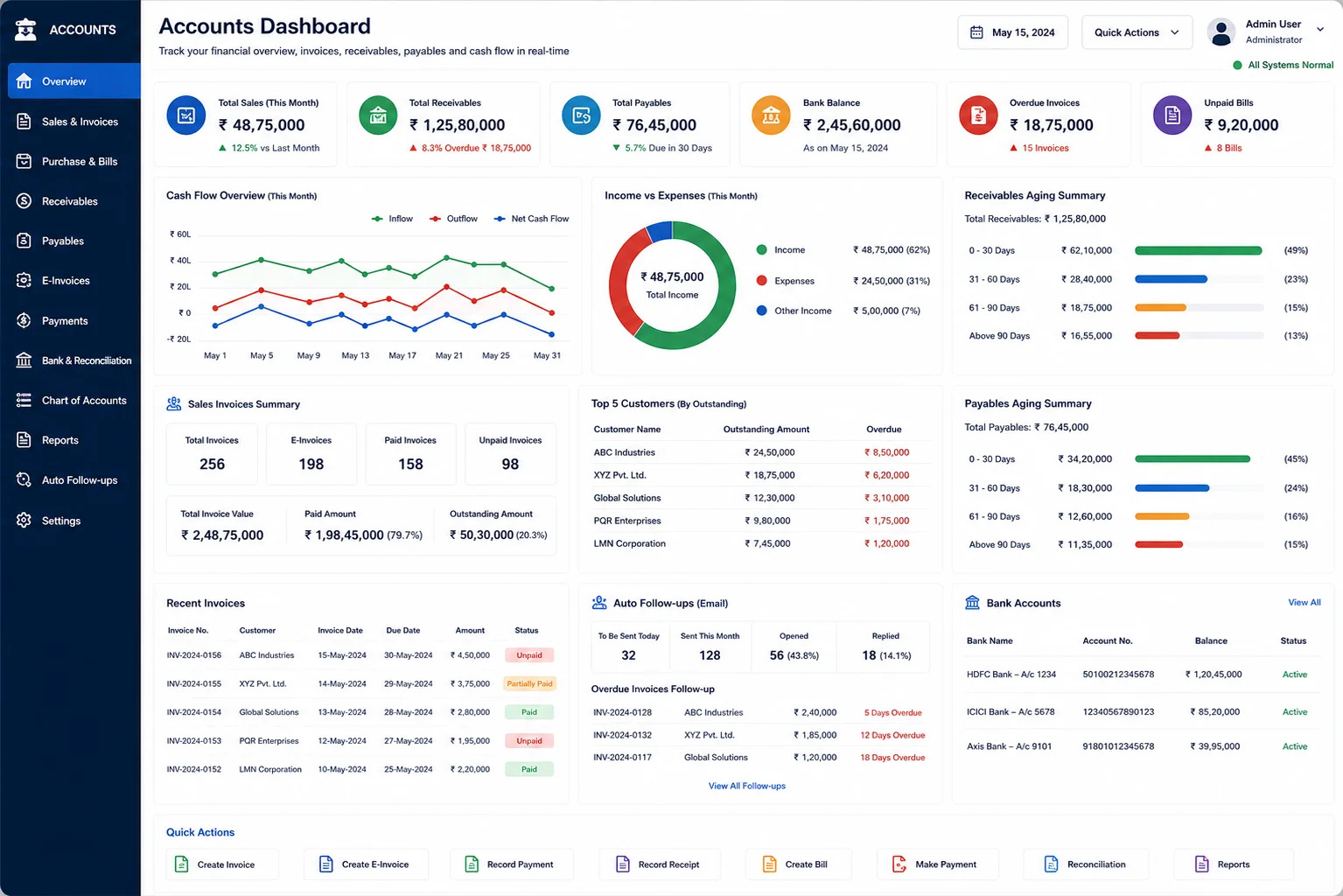
Accounts Dashboard

Creating Customer Invoices, E-Invoices, Receivable, Payable, Auto payment follow-ups via email for unpaid invoices.

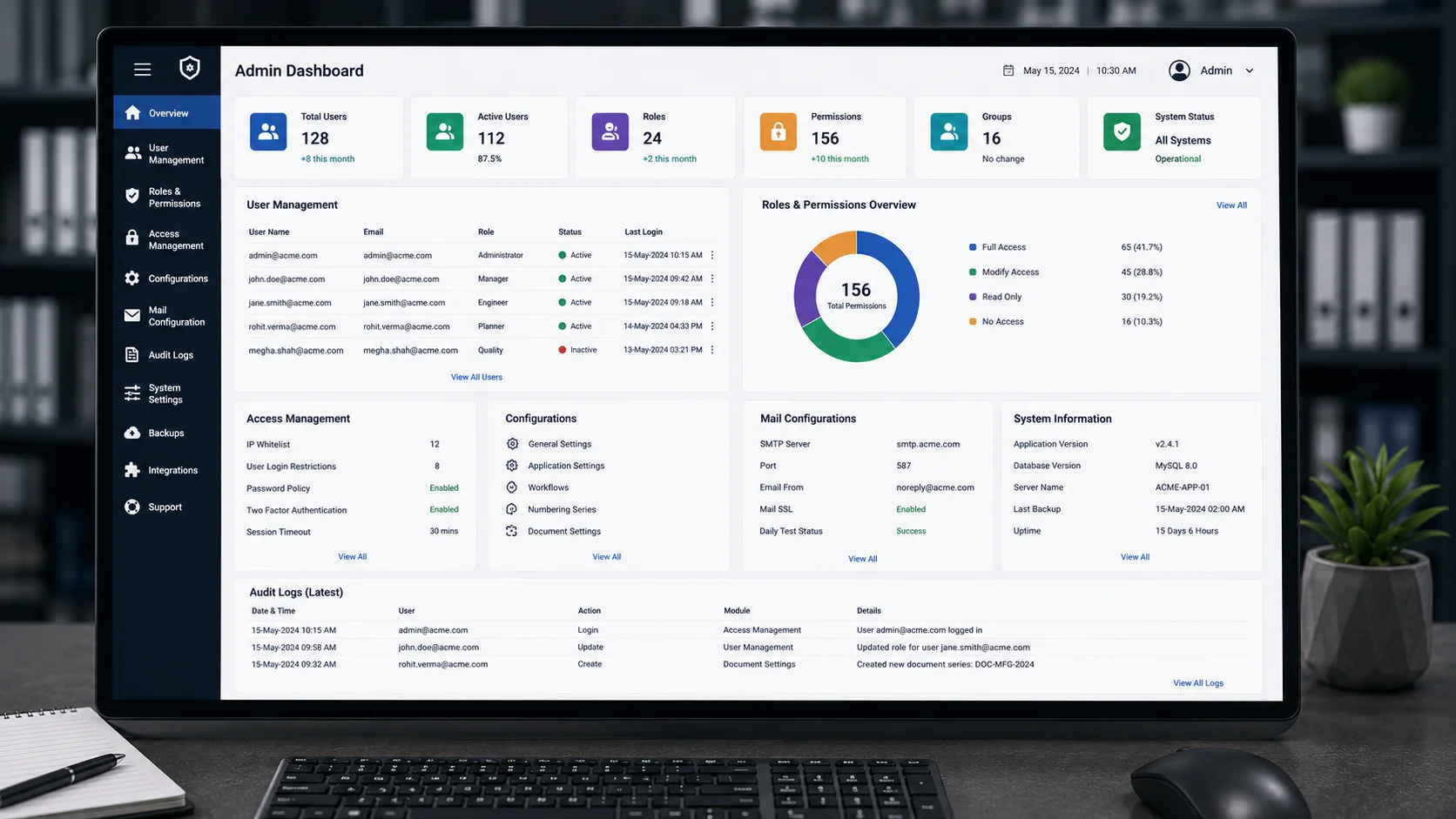
Admin Dashboard

Centralizes user management, permissions, configurations, access management, mail configurations.

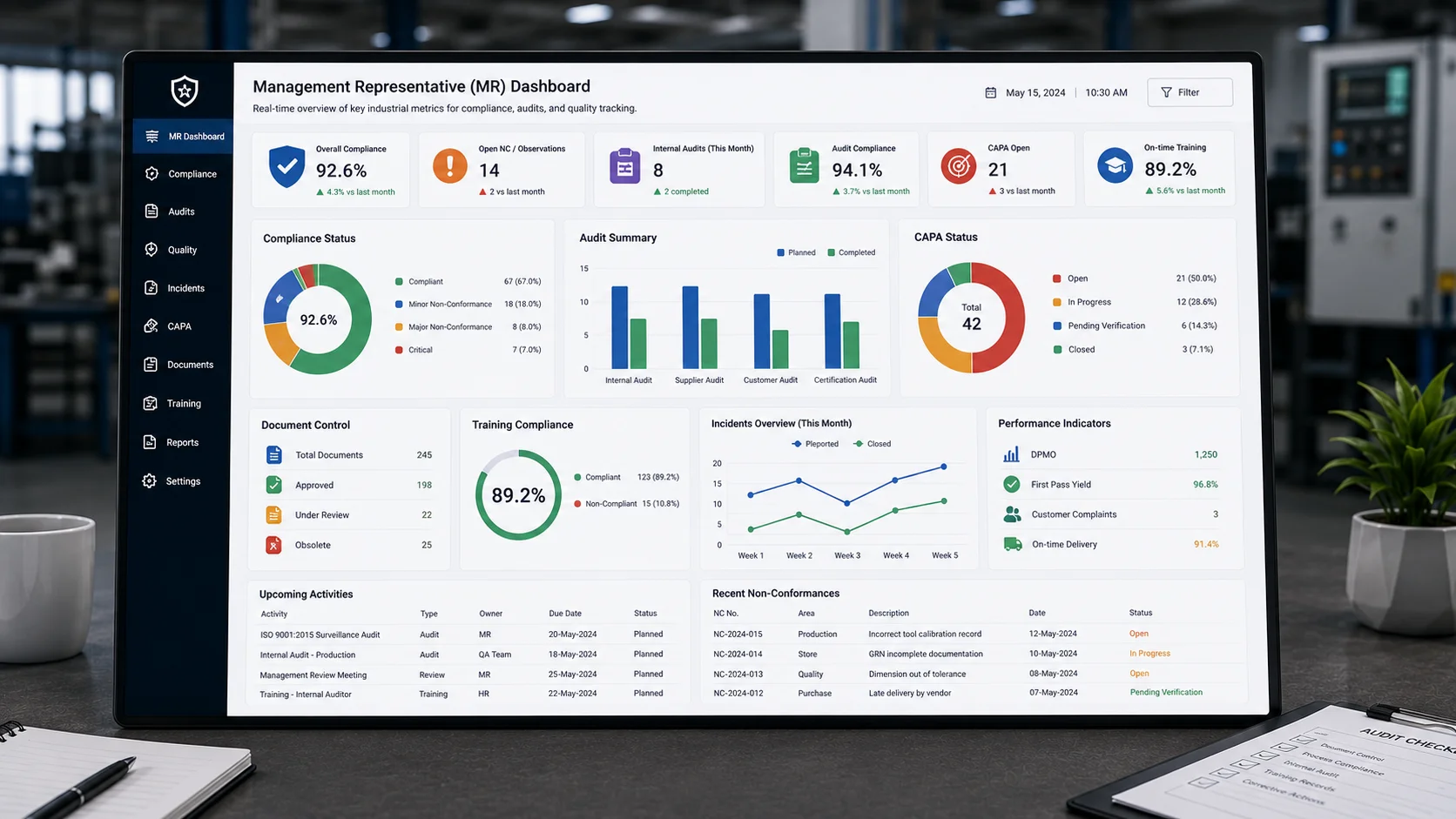
Management Representative (MR)

Displays key industrial metrics in real time. Supports compliance, audits, and quality tracking.

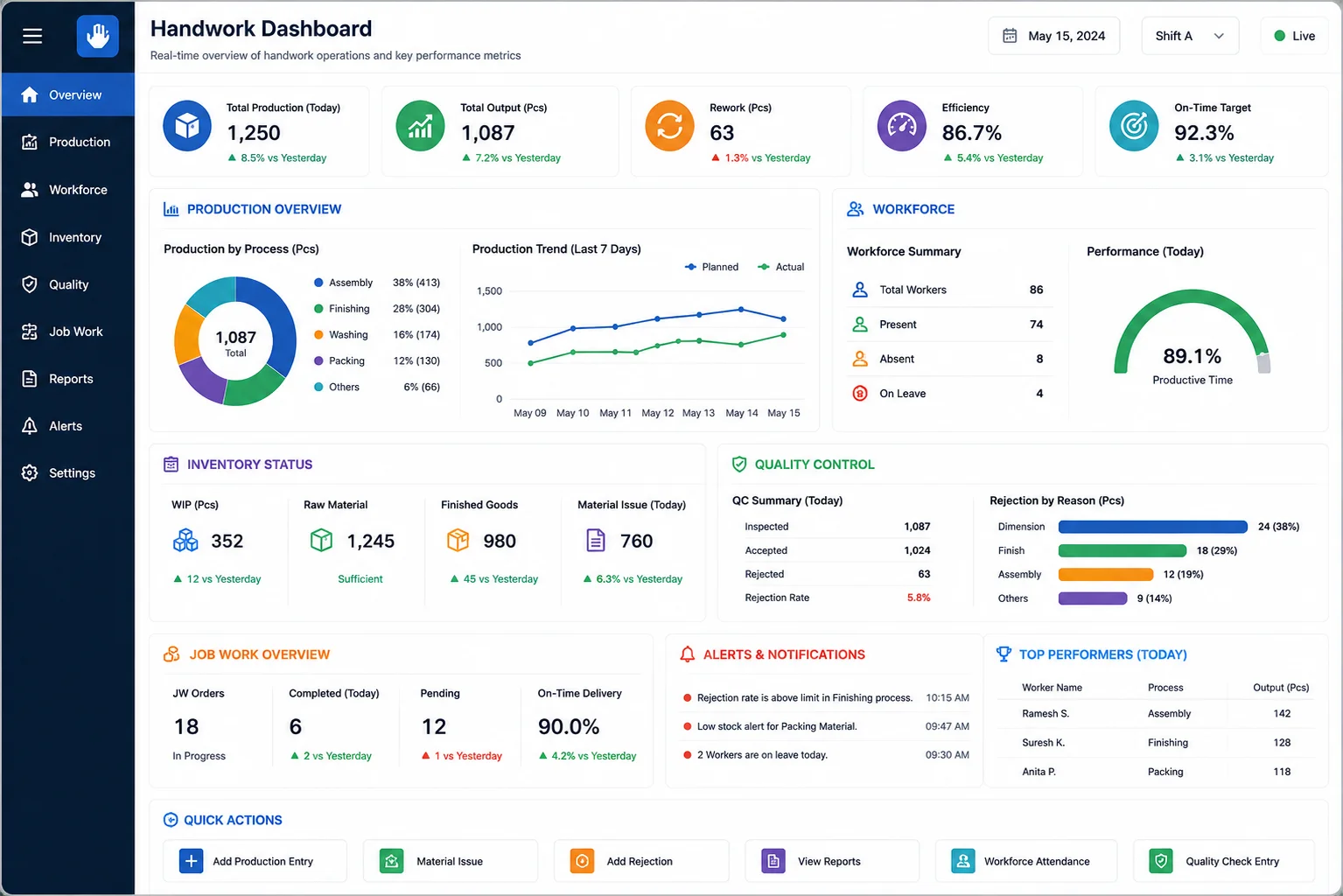
Handwork Dashboard

Offers a concise, visually organized view of key manufacturing metrics. It features sections for production, workforce, inventory, and quality control in a compact, easy-to-read layout.

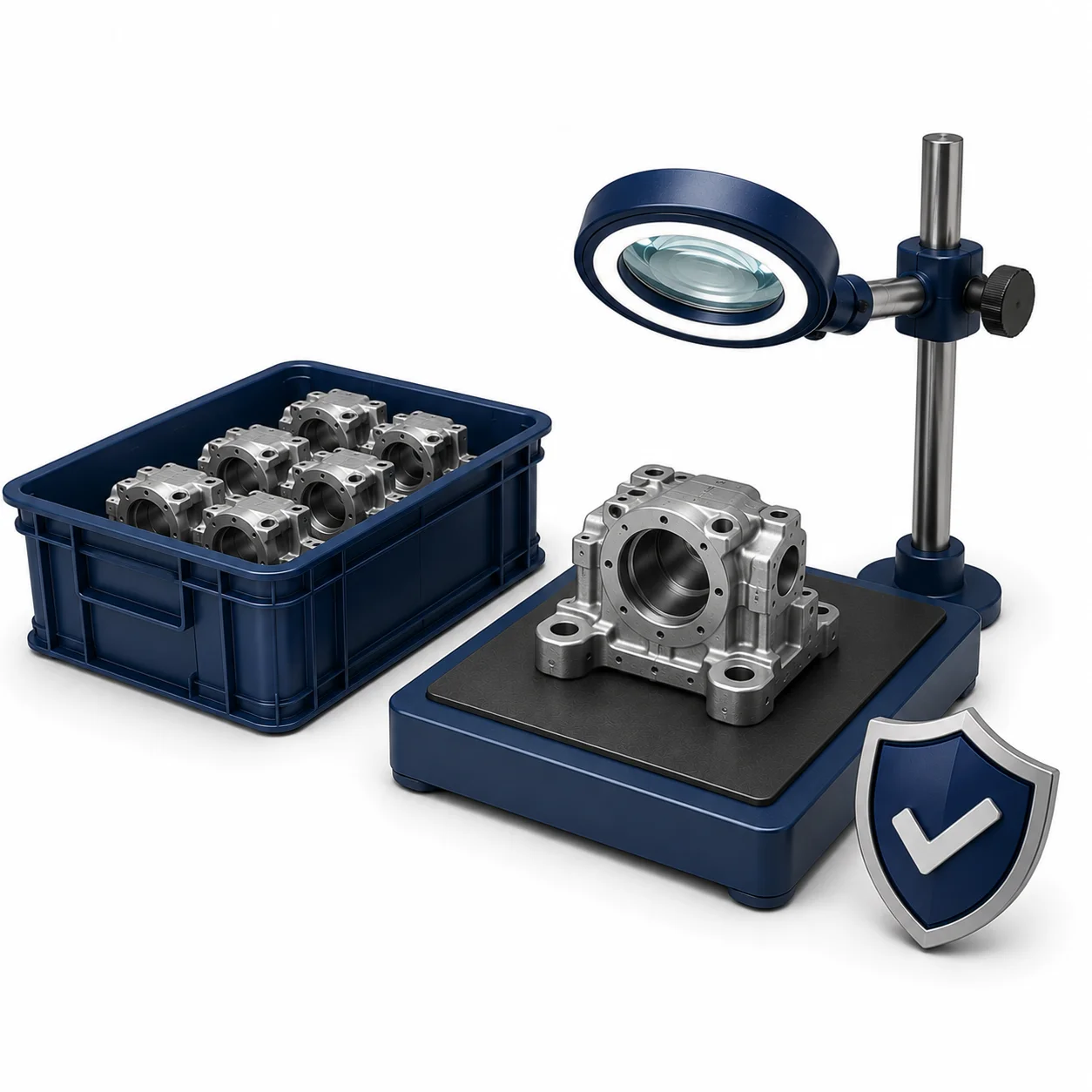
Centre of Execution (COE) Dashboard

This module gives another layer for inspections, normally in the manufacturing industries

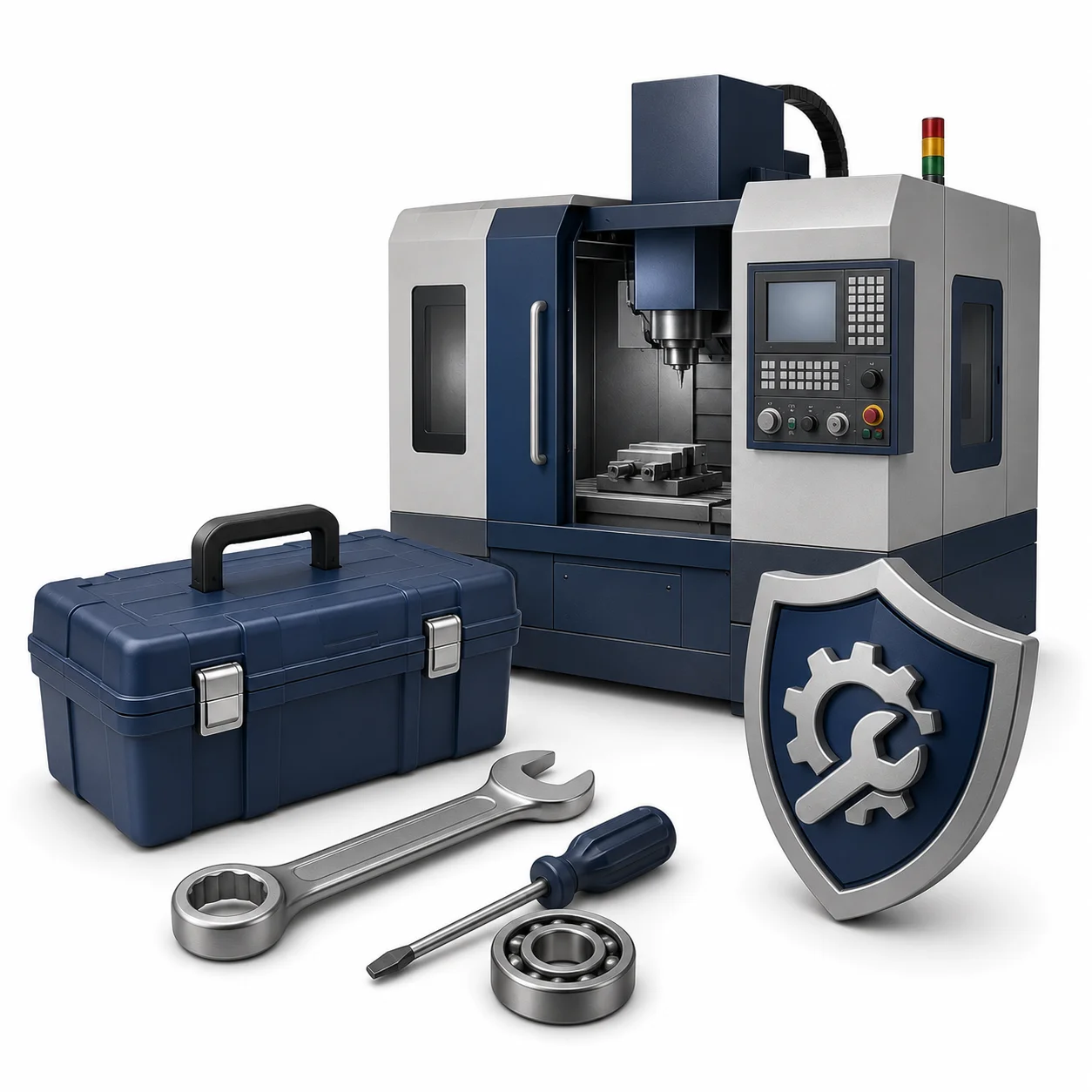
Maintenance Dashboard

In manufacturing, machine downtime is a direct profit killer. If a critical stamping press or CNC spindle goes offline unexpectedly,

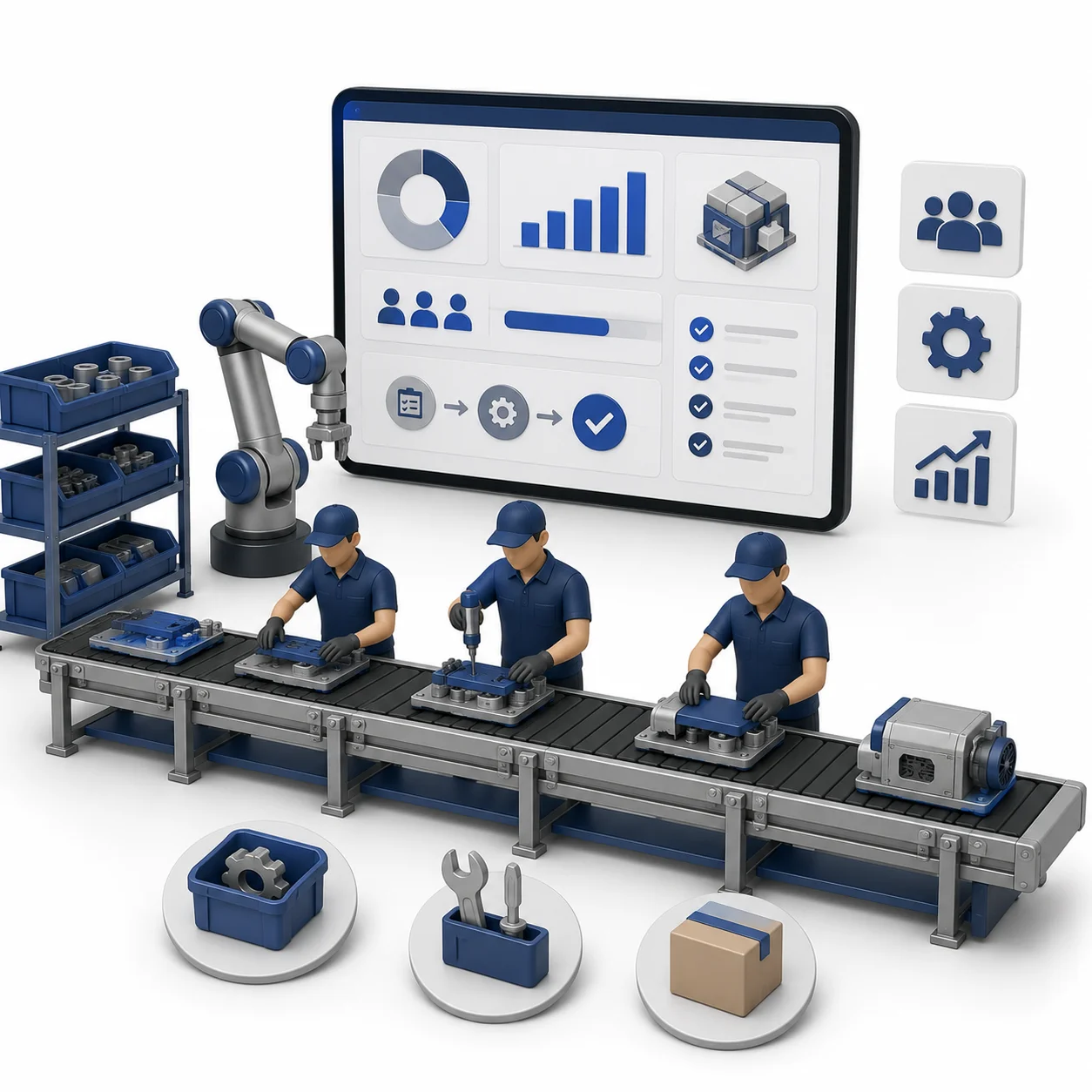
Assembly Dashboard

Production process where individual components are joined in a specific sequence to create a finished product, utilizing workstations in a direct line.

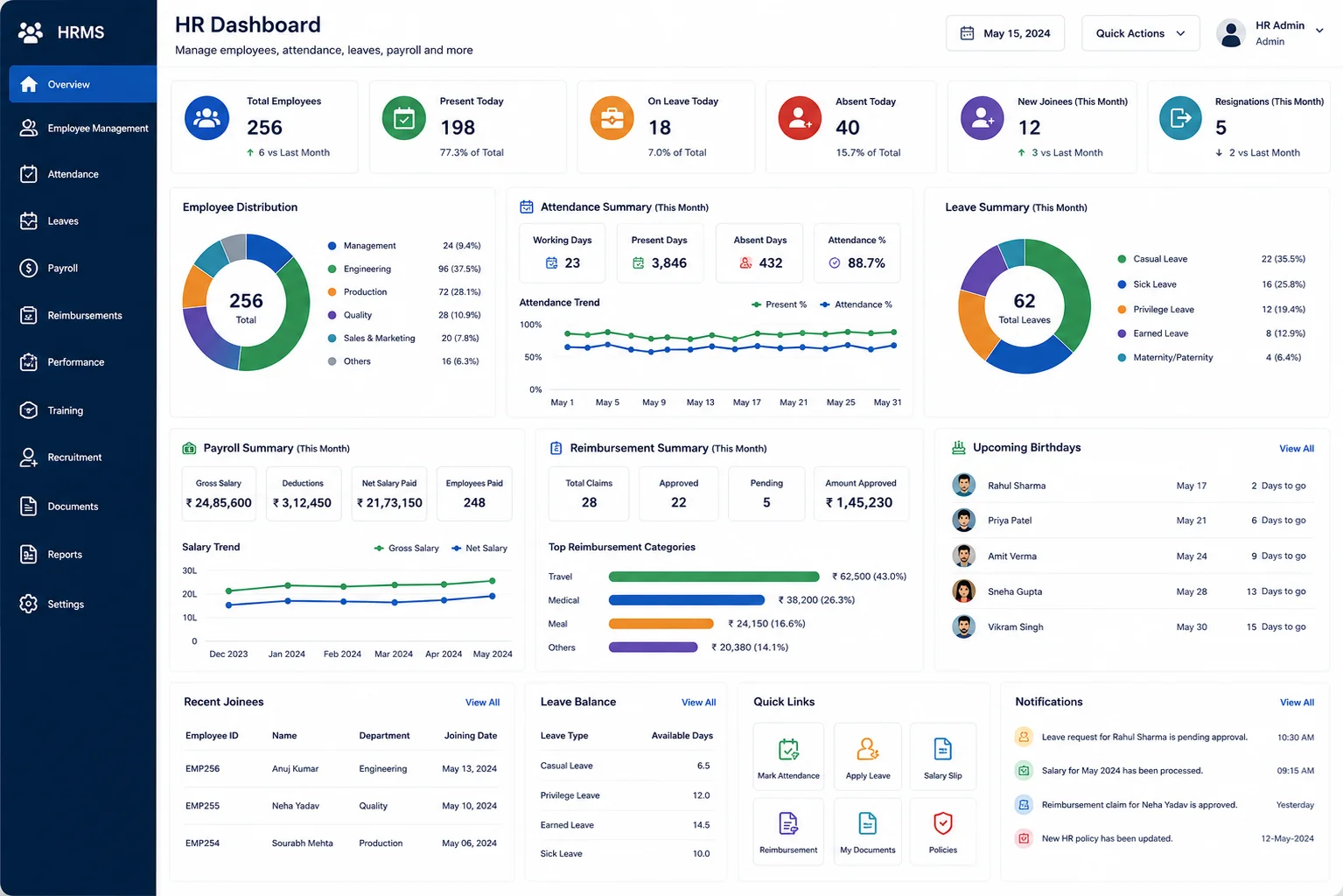
HR Dashboard

Employee Management, Attendance Management, Salary Slips, Leaves Management, Re-imbursement and all other activities.

Accounts Dashboard

Creating Customer Invoices, E-Invoices, Receivable, Payable, Auto payment follow-ups via email for unpaid invoices.

    Enter your contact details