Microsiri

Store Dashboard

In a manufacturing facility, the Store Department (often called the Warehouse or Inventory Control Department) is the custodian of all physical materials. If PPC is the brain of the factory, the Store Department is the muscle that physically receives, holds, and dispenses everything required to keep the facility running. Their primary mandate is to maintain inventory accuracy, protect assets from damage or theft, and ensure a seamless flow of materials to the production lines.

OUR Store Dashboard FEATURES

Goods Received Note (GRN)

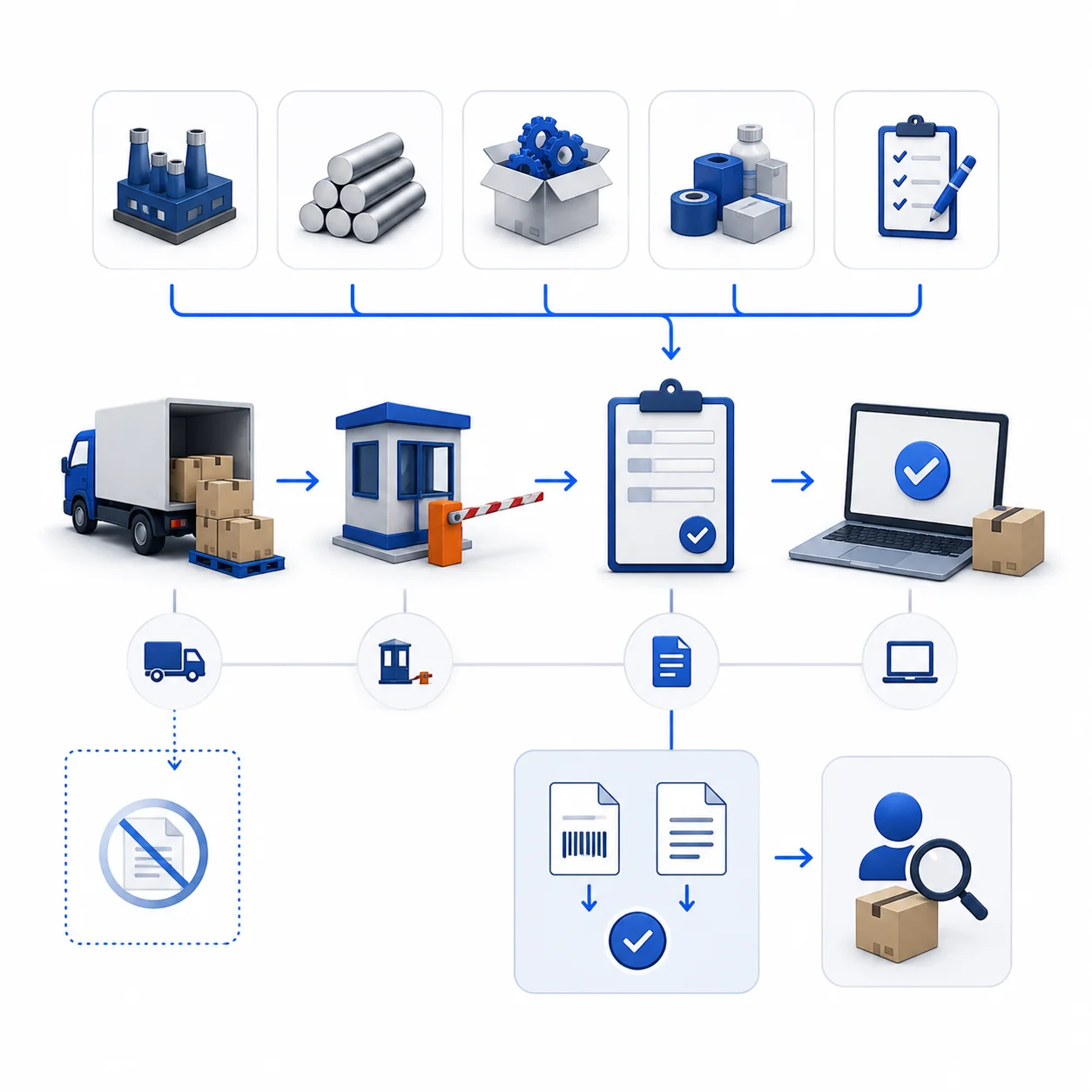
The GRN will be done based on Job work PO, Raw Material PO, Non-Stock PO or any other PO, if no PO, GRN cannot done independently. DC number or Invoice Number must be entered during GRN. We also given with Gate Entry module, before GRN, a Gate Entry form must be filled on receiving materials. On GRN submission, it will be notified to quality department to do inward inspection.

Raw Material (RM) Stock and Issue

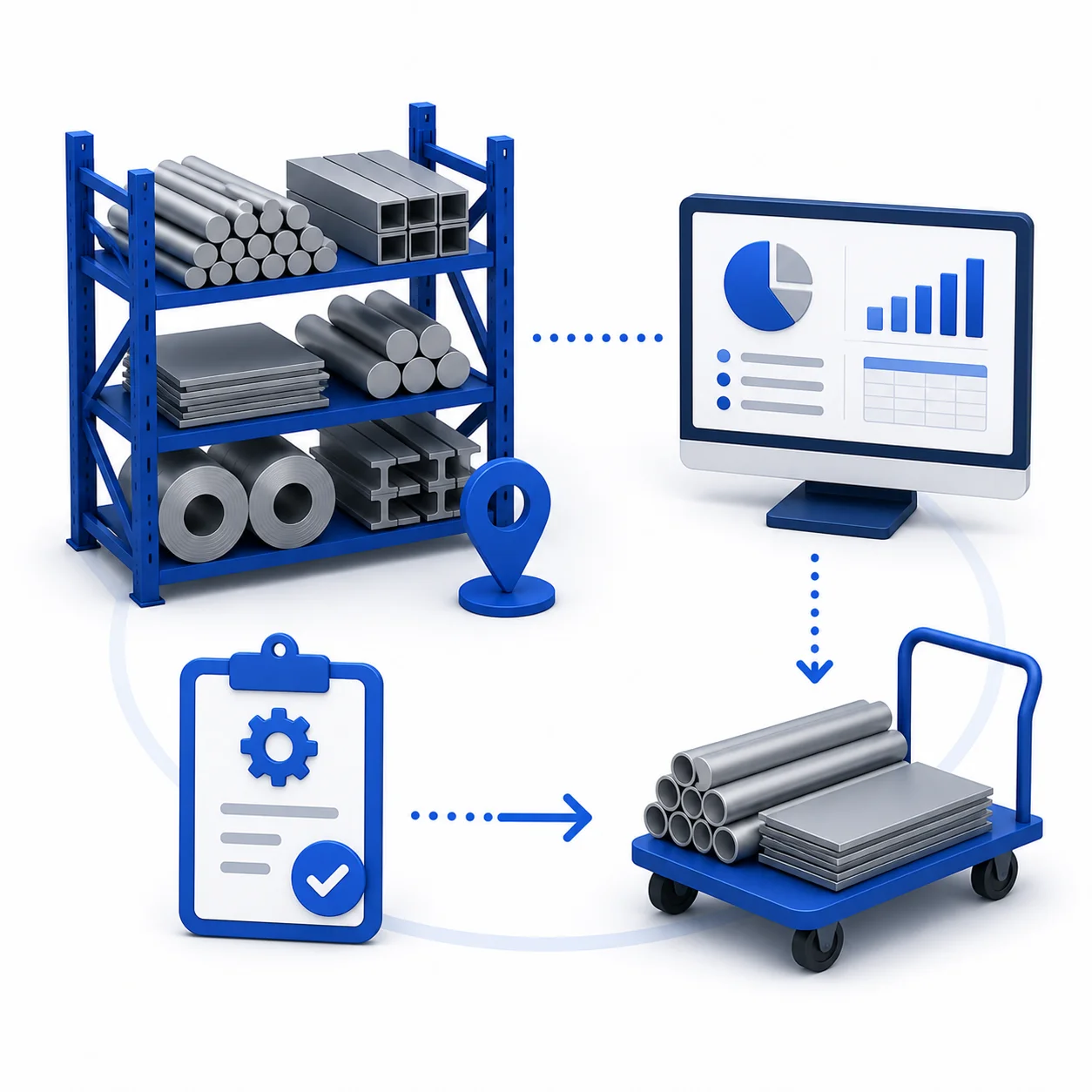
On inward inspection approved, raw material must be placed in particular location and same must be entered in the ERP System. Detailed reports are available in the ERP system along with raw material age, price, weight, allotted information, dimension wise information and others. On creating Route Card by PPC, an automatic request will be sent to store department to issue the raw material to respective route card.

Work in Progress (WIP) Stock

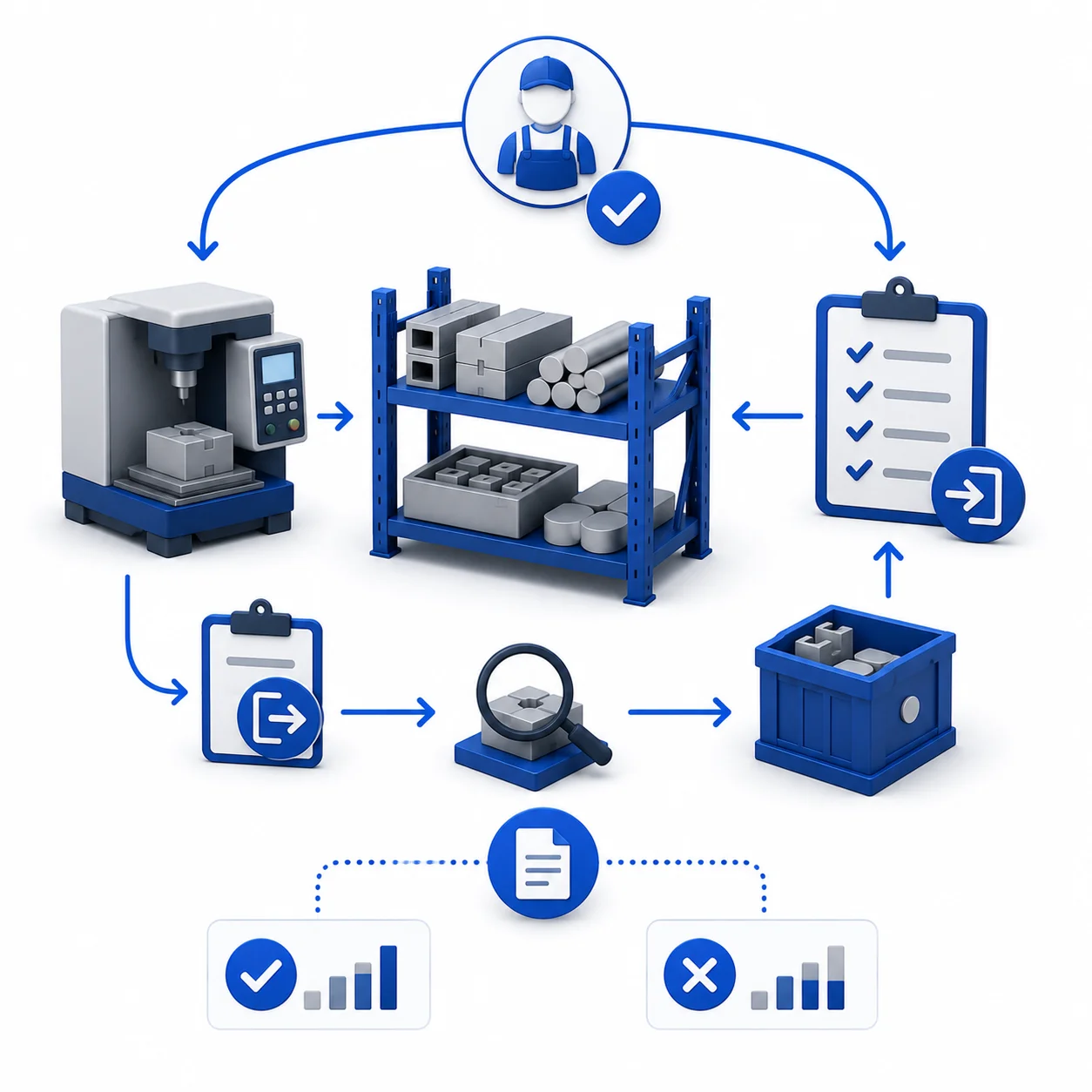
During production, on each operation completes, whether material going back to WIP area or not, but for traceability, WIP inward and Outward must be entered by operator before entering or leaving the factory. While submitting WIP, some material they may keep in the machine itself or given it for inline inspection, that information also should be entered during WIP inward. Any operator who comes for next Shift will be having enough information where the materials are sitting to take it up for next operation. ERP System will also give WIP Accepted reports, WIP rejected Reports,


Finished Goods (FG) Stock

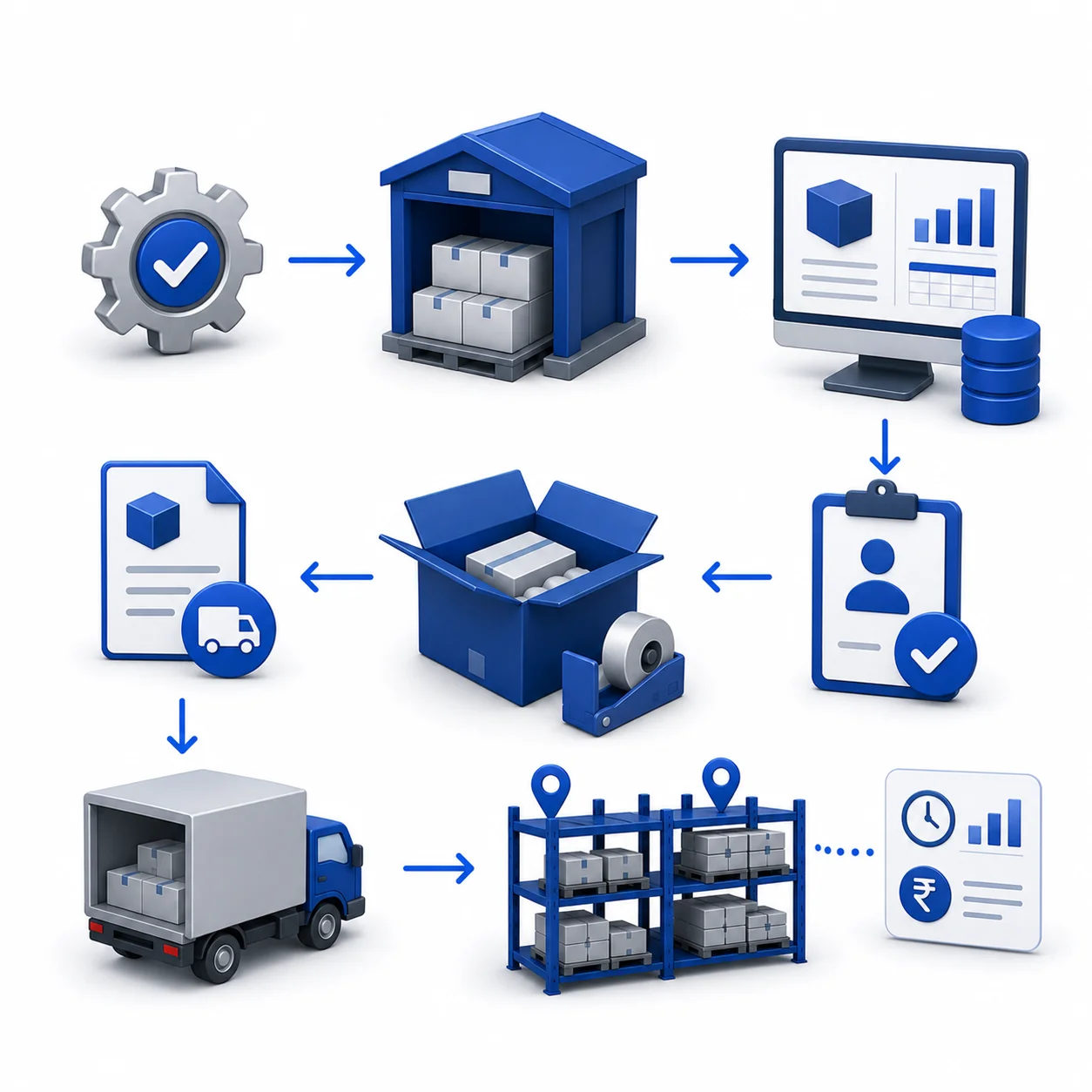
On completing all the operations in the route card, material will become FG which must be given to store department where they keep these FG in assigned location and enter the same information in the ERP system. When dispatch clearance submitted by authorised person, packing request will be sent to store department where they have to perform packing and create delivery challan for the same and FG is ready to despatch. Until the dispatch, FG stock with value, location, age and other information will be shown in FG Stock Report.

Delivery Challan (DC) Creations

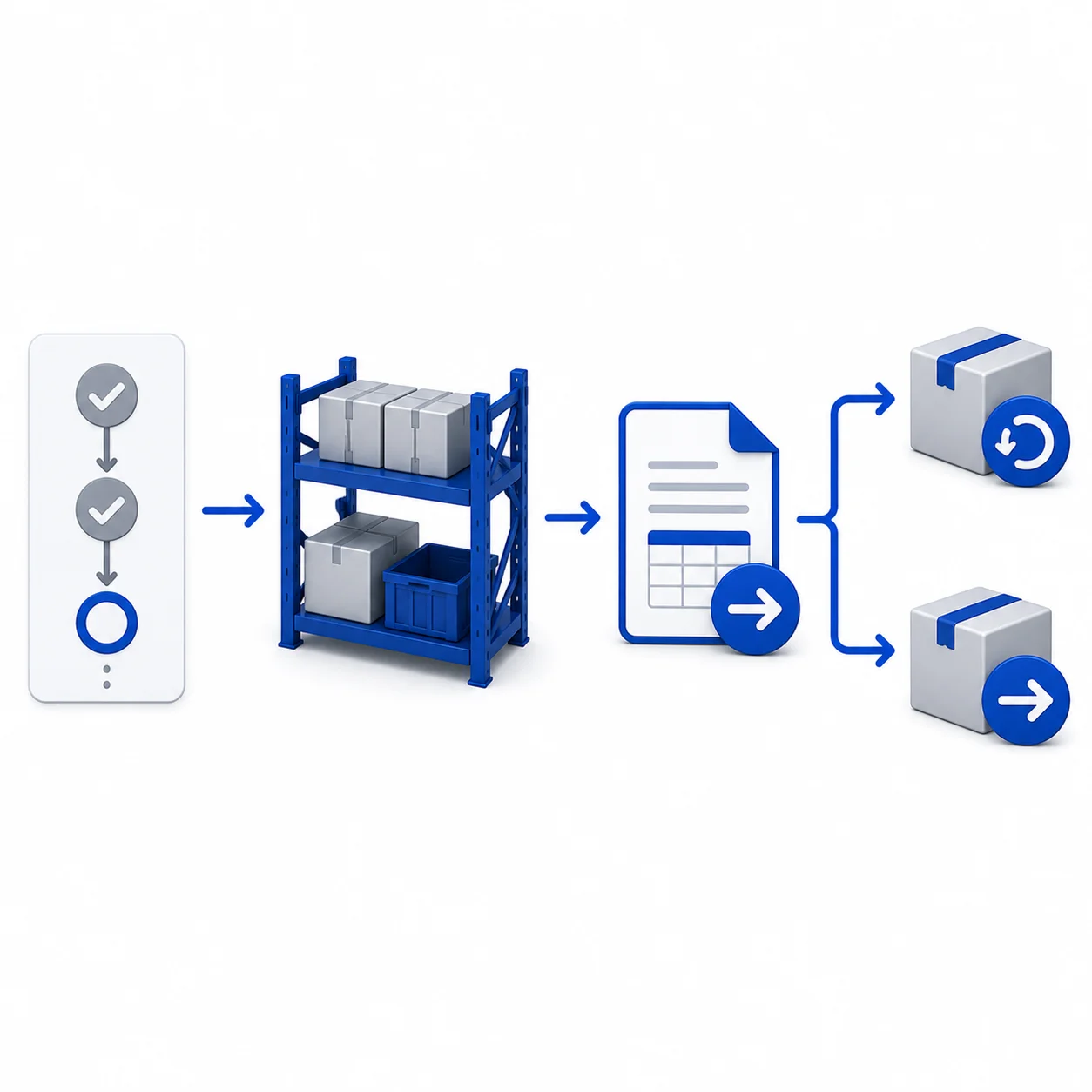
If OP-30 is out-source operation in the route card, on completing of OP-20, the accepted quantities will be notified to store department to create JW DC associated with JW PO. Store department is also responsible for creating general DC to send any item for repair or for any reason. General DC comes with Returnable and Non-Returnable DC. 

Gate Entry

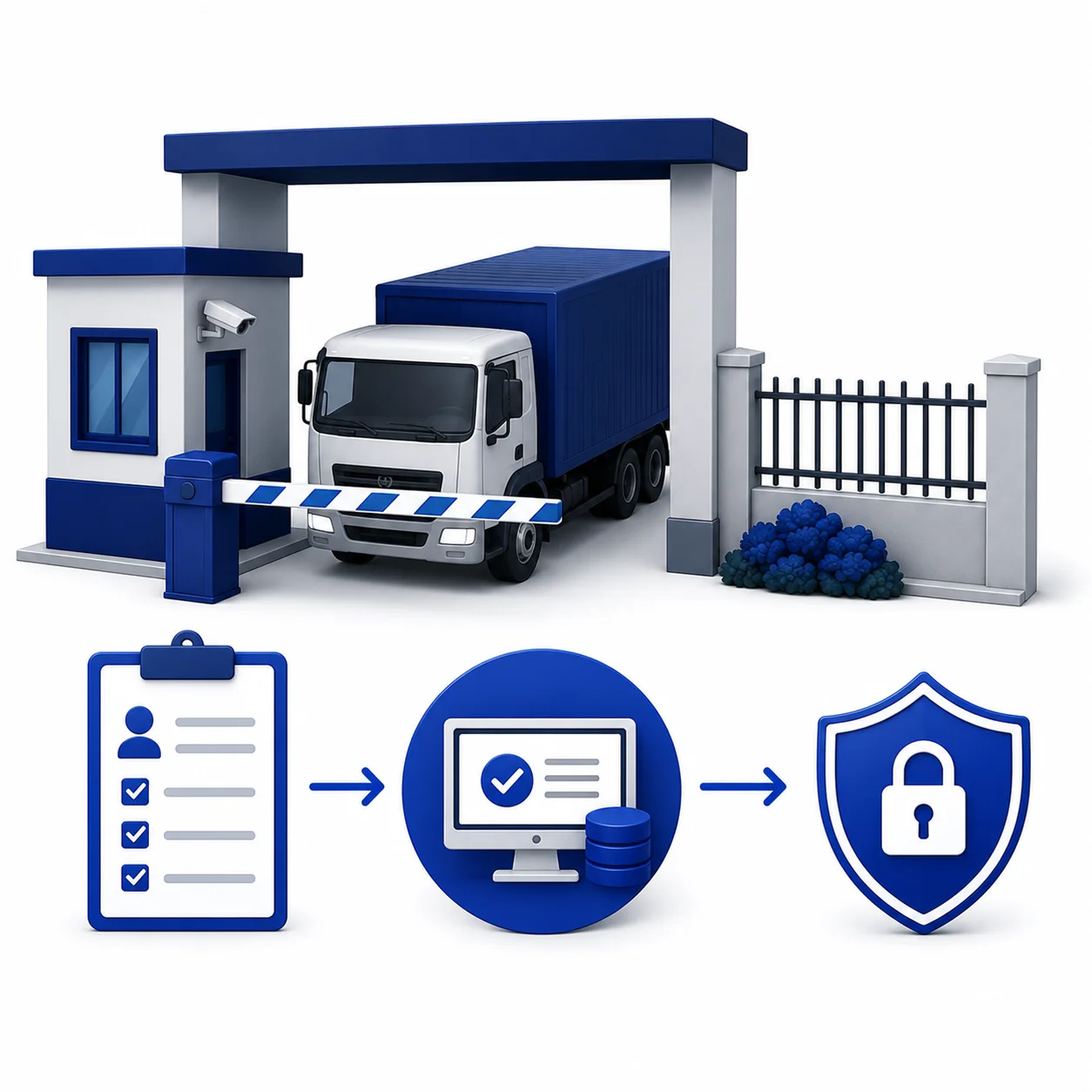
Before doing any GRN, ERP system has given a form for Gate Entry, where all necessary information will be captured to avoid later discrepancy. Before a supplier’s raw materials can ever reach the warehouse or the production floor, they must successfully clear the gate entry process. Gate entry is much more than a security guard opening a gate; it bridges physical security, logistics, inventory management, and financial accounting.

    Enter your contact details