Microsiri

Accounts Dashboard

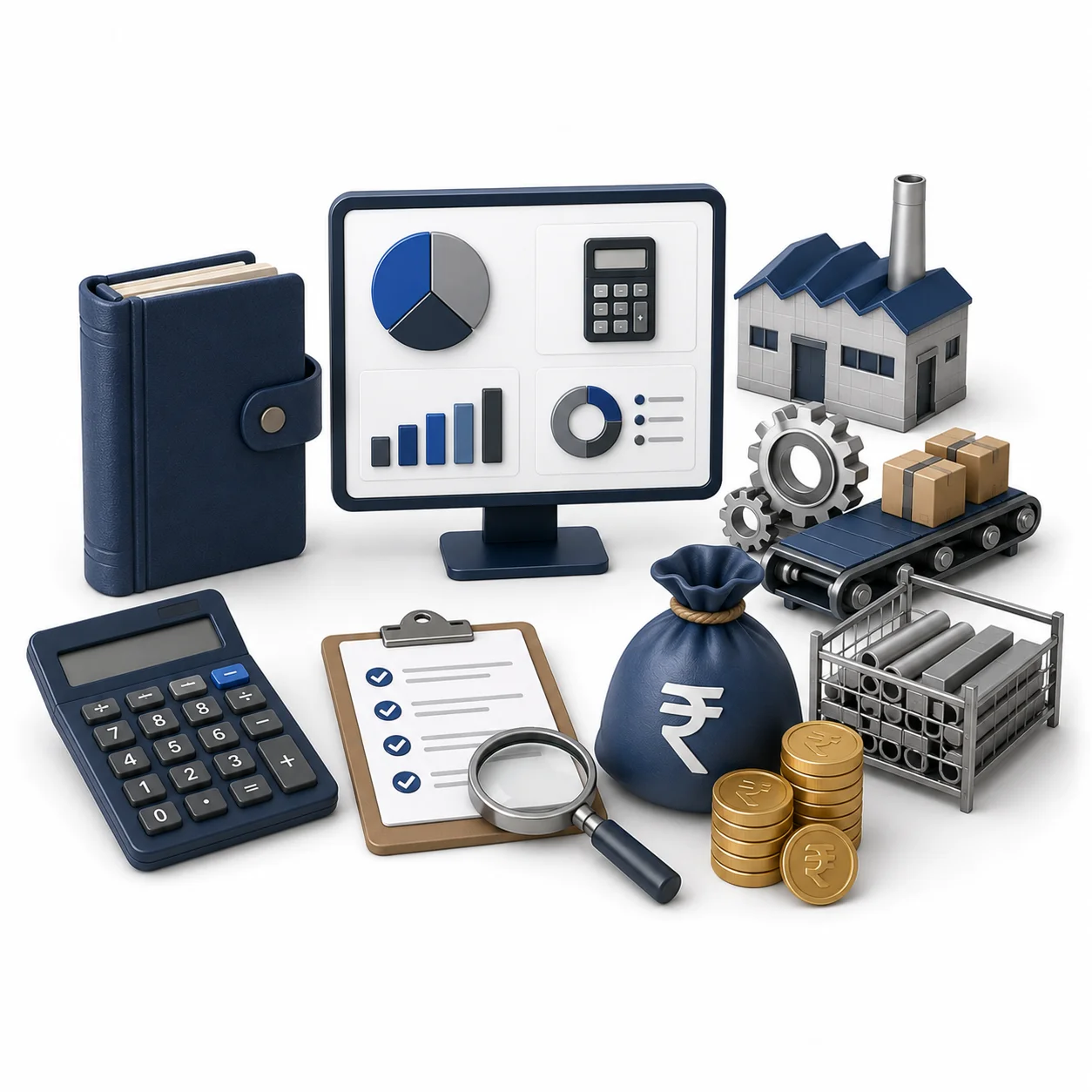
The accounting department in a manufacturing company does far more than balance a ledger or manage payroll. While a standard accounting team tracks cash coming in and going out, a manufacturing accounts team is responsible for tracking the physical transformation of raw materials into finished products.

OUR Accounts Dashboard FEATURES

Invoice Generation

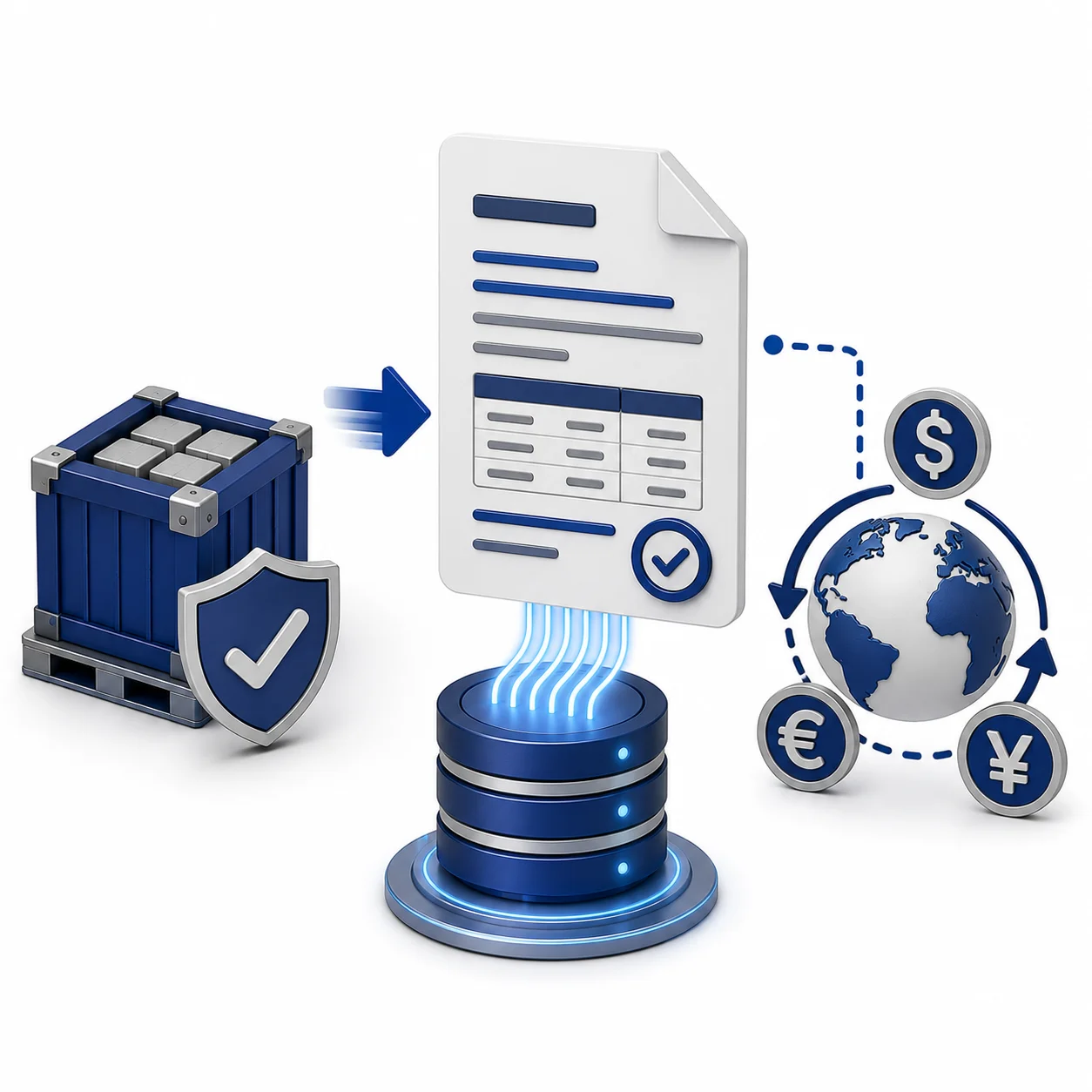
Once Business Development grants dispatch clearance, the order automatically flows into the account’s dashboard under ‘Pending Invoices.’ Because the ERP system pre-populates 99.9% of the required transaction data, the accounting team only needs to verify the details and generate the invoice with a single click. The system also natively supports multi-currency invoicing.

E-Invoice Generation

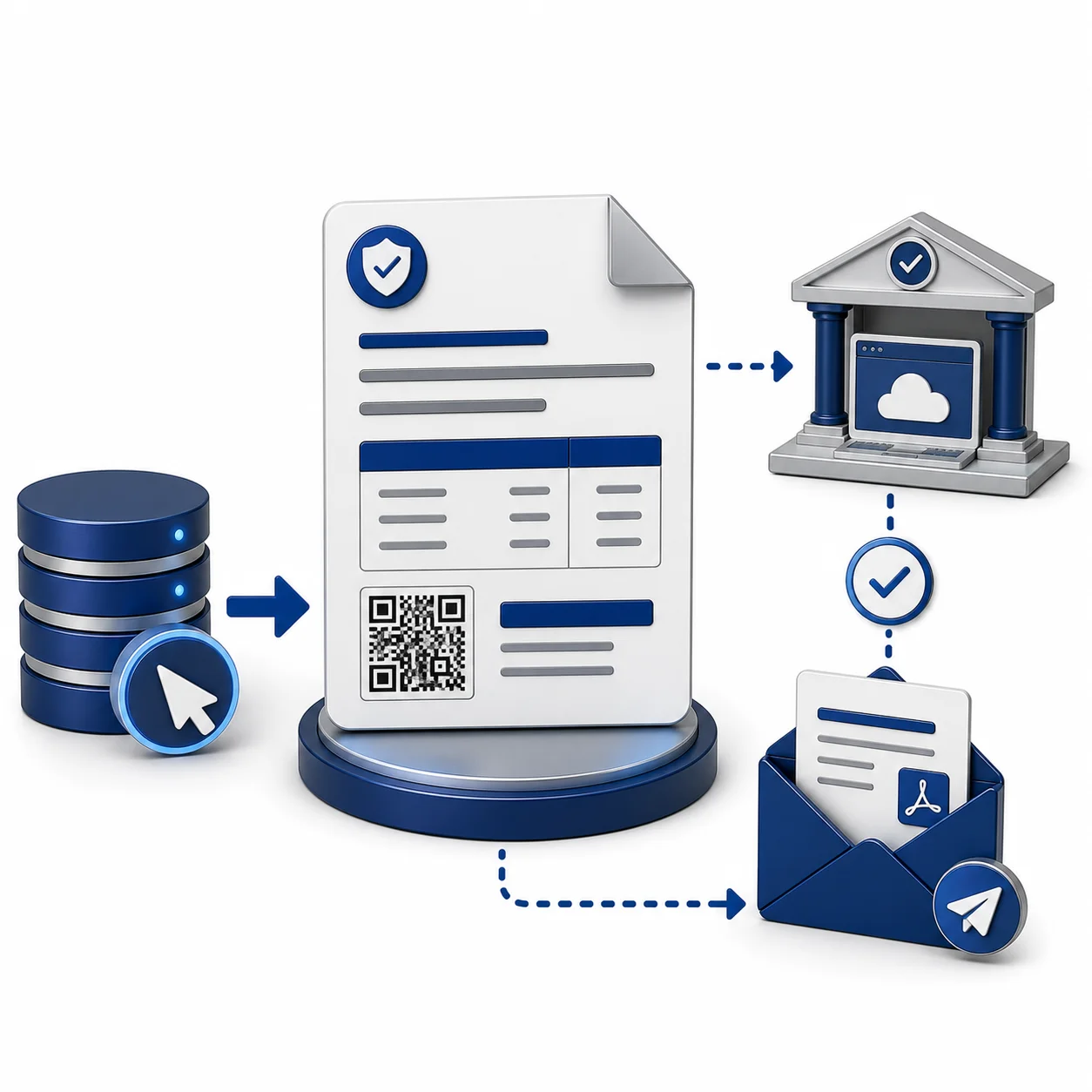
Once an invoice is generated, you can instantly create an E-Invoice with a single click. The system automatically embeds the required QR code and IRN (Invoice Reference Number) directly onto the invoice PDF, reflecting immediately on the official E-Invoice portal. Additionally, you can configure the ERP to automatically email the PDF copy of the invoice to your customer upon creation.
Payment Status

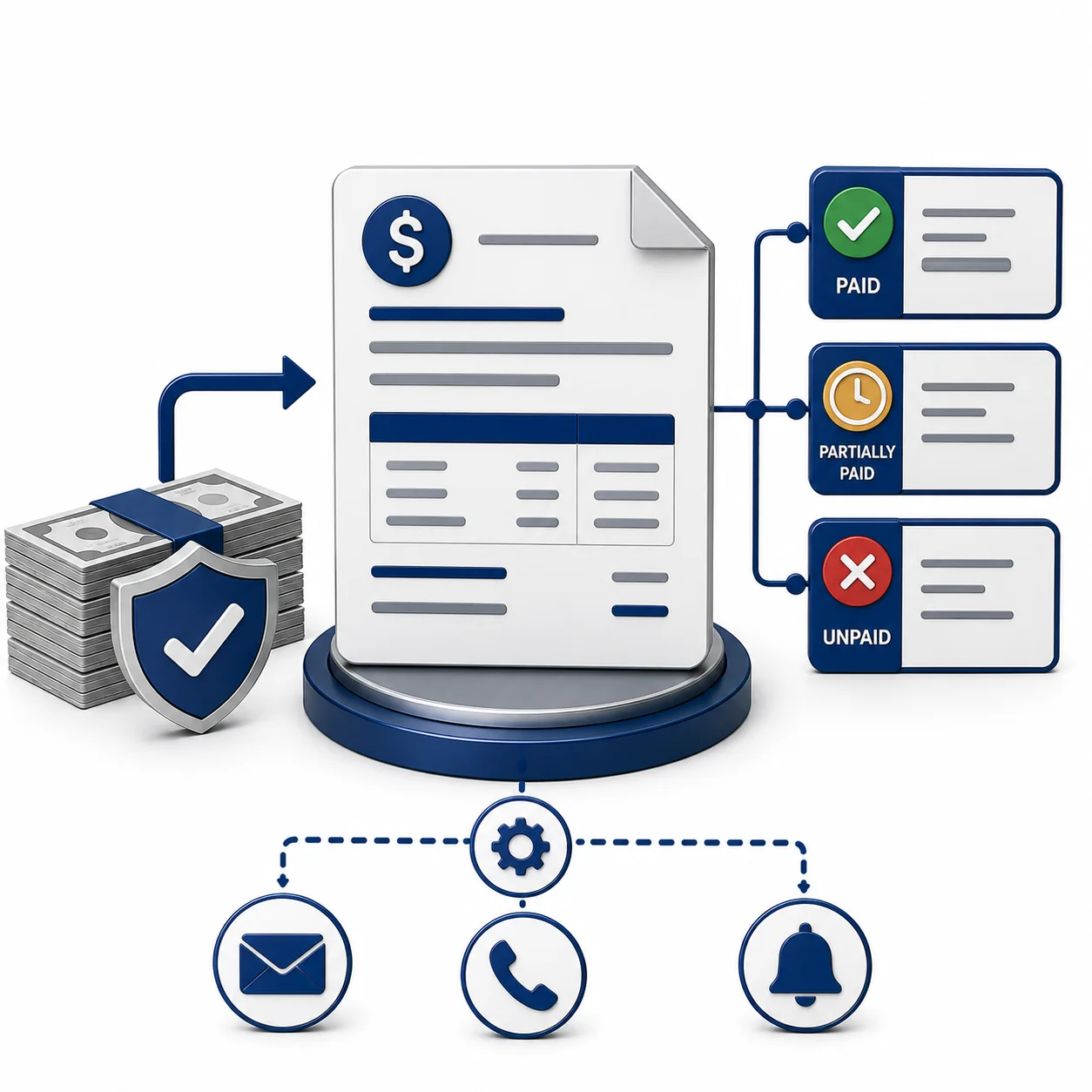
Upon receiving a customer payment, the accounting team can update the invoice status to Paid, Unpaid, or Partially Paid. This accurate record-keeping enables the ERP system to dynamically manage automated collection follow-ups.

Payment Follow-ups

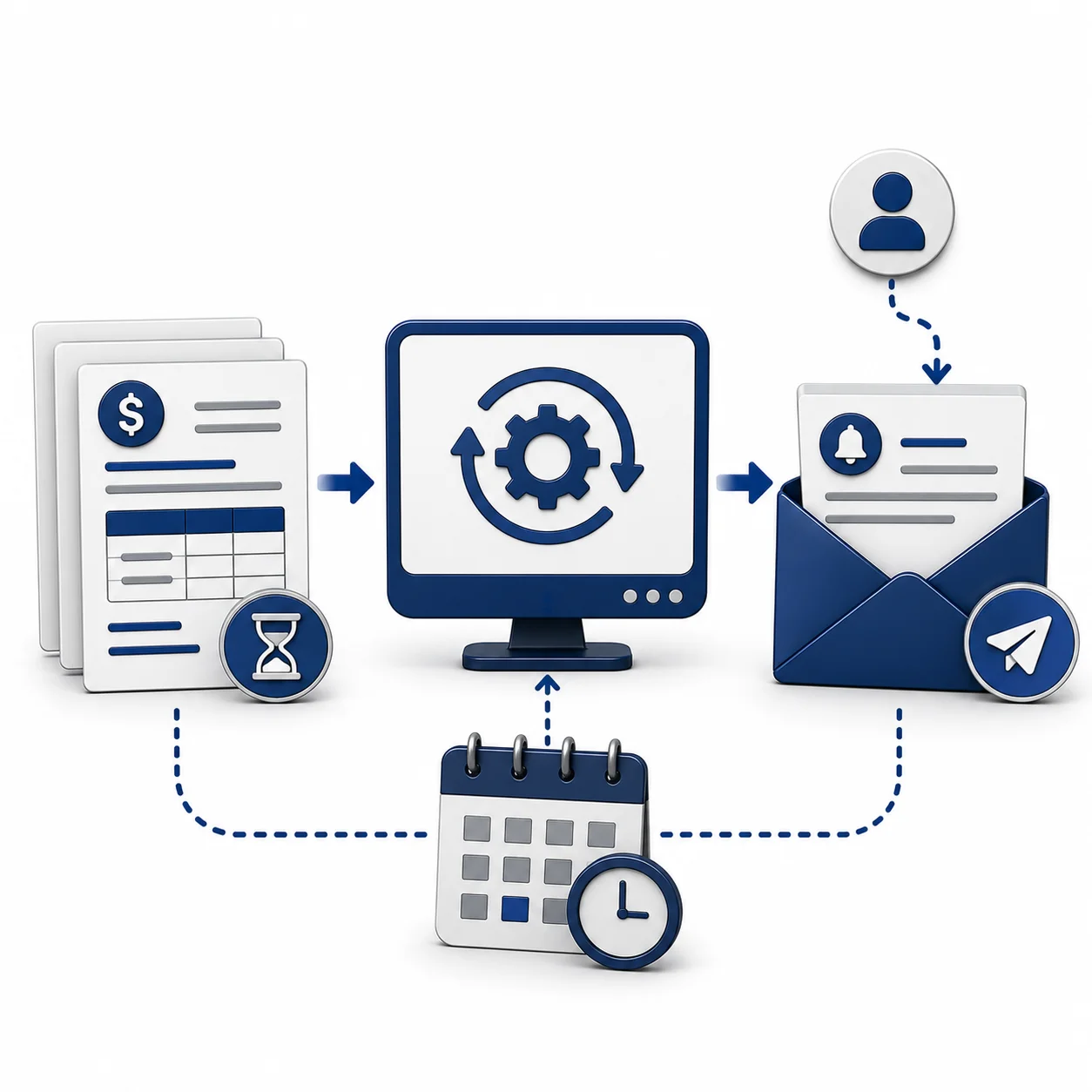
Eliminate the need for manual collections tracking. The ERP system completely automates your overdue invoice follow-ups, sending scheduled reminders directly to customers. These notifications automatically populate critical details—such as invoice numbers, issue dates, and outstanding balances—either weekly or according to your custom configuration.

Report

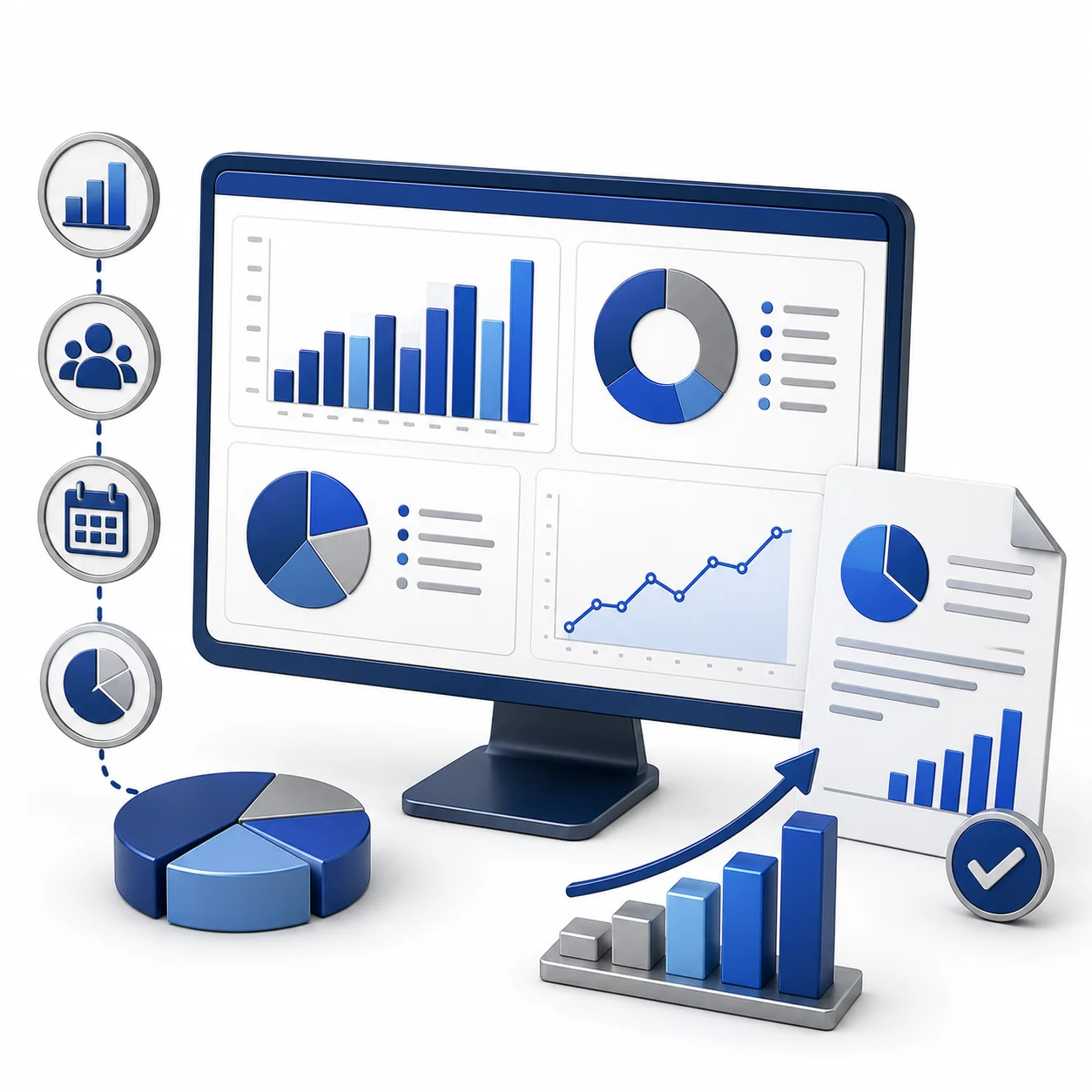
Sales by value, Sales by Customer, Finance year sales and all other reports are readily available with graph to view.

    Enter your contact details